Mac mini M6: A Major Upgrade or More Power Than Most Desktop Users Need?
The Mac mini has always been the odd one out in Apple’s Mac family: a desktop without a display, keyboard or mouse, often overlooked in favour of the convenience of a MacBook. But the M4 Mac mini changed that equation dramatically. Its smaller footprint, aggressive pricing and surprisingly strong performance turned the little desktop into one of Apple’s most compelling Macs.
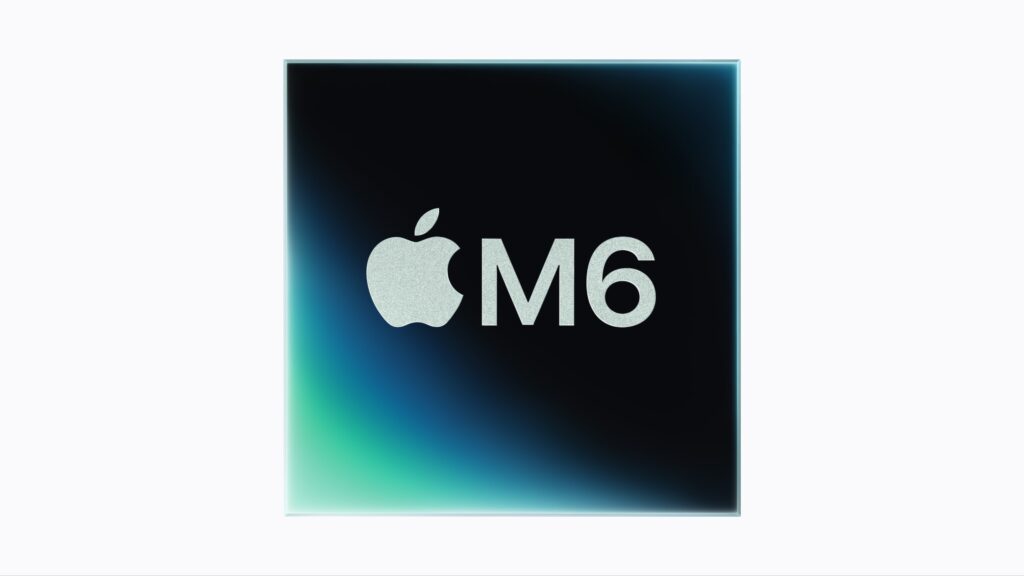
Now the Mac mini with M6 has arrived, and Apple is making an unusually strong performance argument. According to Apple, the M6 version delivers up to 40% faster CPU performance, twice the graphics performance, twice the storage performance and up to four times the AI performance compared with the previous generation.
That makes the obvious question less about whether the M6 is faster, it clearly is, and more interesting questions emerge:
Does the M6 make the Mac mini the desktop to buy in 2026? Is it enough of an upgrade for existing M4 owners? And, perhaps most importantly, does Apple’s push towards on-device AI finally give the Mac mini a compelling reason to upgrade?
The M4 Was Already a Remarkable Little Desktop
To understand the M6, it is worth looking back at why the M4 Mac mini was such a success.
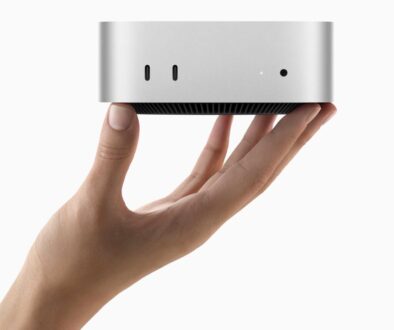
The 2024 redesign reduced the Mac mini to a remarkably compact 5-by-5-inch footprint, while the M4 brought considerably more performance to the entry-level Mac. Apple’s M4 Mac mini came with a 10-core CPU, 10-core GPU and 16-core Neural Engine, with 120GB/s memory bandwidth.
More importantly, Apple stopped treating the Mac mini as simply the cheapest way into macOS. The M4 version was fast enough for:
- Office and productivity work
- Software development
- Photo editing
- 4K video editing
- Music production
- AI-assisted workflows
- Multi-monitor setups
- Home servers and specialist desktop applications
And it did all this in a machine that could almost disappear behind a monitor. That combination was the real breakthrough. The Mac mini M4 wasn’t merely small. It offered an unusually high amount of computing power for its size and price.
The M6 Takes the Same Idea Much Further
The M6 Mac mini doesn’t reinvent the concept. Instead, Apple has concentrated on making the tiny desktop significantly more capable. Apple’s headline figures are impressive:
“M6, Apple’s first 2 nm chip, features a larger, more powerful 12-core CPU, 12-core GPU, and Dual 16-core Neural Engine plus hardware-accelerated ray tracing.”
| Mac mini M4 | Mac mini M6 | |
| CPU | 10-core | 12-core |
| GPU | Up to 10-core | 12-core |
| Neural Engine | 16-core | Dual 16-core Neural Engine |
| Memory bandwidth | 120GB/s | Up to 170GB/s |
| AI | Neural Engine | Neural accelerators + enhanced Neural Engine |
| Hardware ray tracing | — | ✓ |
| CPU performance | Baseline | Up to 40% faster |
| Graphics | Baseline | Up to 2× faster |
| Storage performance | Baseline | Up to 2× faster |
| AI performance | Baseline | Up to 4× faster |
The important point is that M6 isn’t simply an incremental CPU upgrade. Apple has clearly targeted the areas that are becoming increasingly important to modern desktop computing: graphics, machine learning and local AI.
The AI Story Could Be the Biggest Difference
This is where the M6 becomes particularly interesting. The M4 was already designed for the Apple Intelligence era. Apple specifically highlighted the M4 Pro’s Neural Engine and its ability to accelerate on-device AI models when the Mac mini launched in 2024.
But two years later, AI applications are considerably more demanding. We’re moving beyond relatively simple AI functions such as; writing assistance, image cleanup, transcription, summarisation and generative image tools
The next generation involves local AI assistants, coding agents, image and video generation, local language models and agentic workflows that can perform multiple tasks on your behalf.
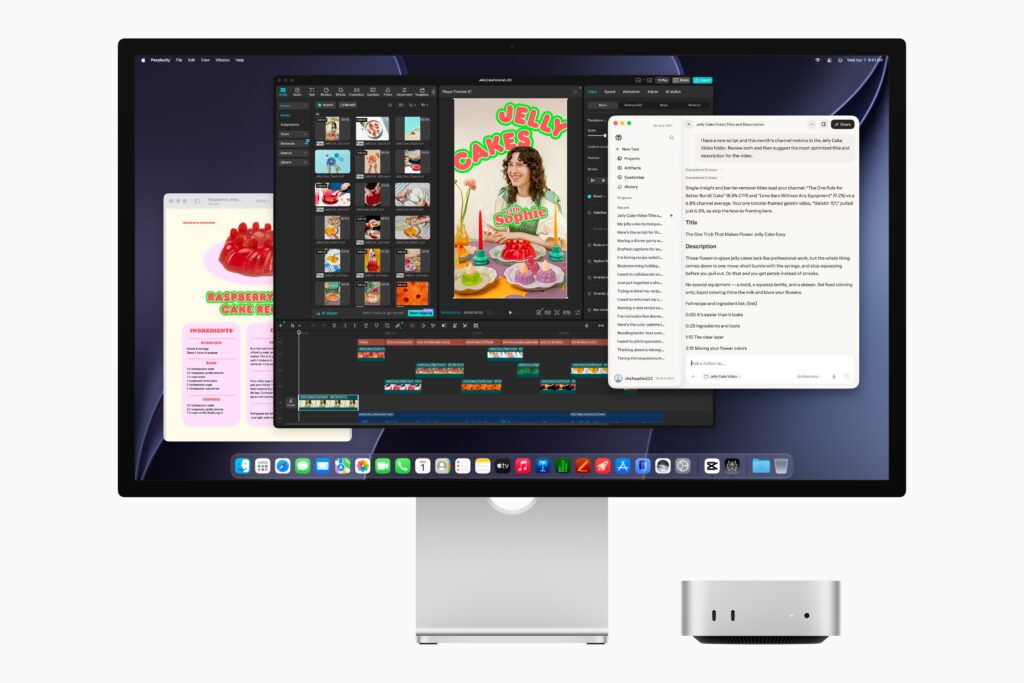
Apple is explicitly positioning the M6 Mac mini for this direction, describing it as capable of accelerating “agentic AI workflows”. Apple claims up to 4× faster AI performance compared with the previous generation. That could be more significant than the 40% CPU improvement.
For conventional desktop applications, an M4 Mac mini is already extremely fast. You may not notice a 40% improvement when opening Safari, writing an email or editing a spreadsheet.
AI workloads are different. A faster Neural Engine and dedicated neural acceleration can potentially make the difference between an AI task feeling instantaneous and one that requires waiting.
Should You Buy an M6 If You Already Own an M4?
A. Probably not — unless your workload has changed.
This is perhaps the most important conclusion. The M4 Mac mini remains a very capable computer. If it is handling your existing workload comfortably, there is little reason to replace it simply because the M6 exists. For everyday computing, the M4 remains more than fast enough. An M4 owner should seriously consider the M6 if they are moving into:
Local AI: If you’re increasingly running AI models locally rather than relying entirely on cloud services, the M6’s substantially improved AI capability becomes much more relevant.
Video production: The faster GPU could make the M6 more attractive for demanding editing, effects, colour grading and export workflows.
3D and graphics: Hardware ray tracing and the stronger GPU make the M6 more interesting for 3D applications and graphics-intensive workloads.
Software development: Developers working with large projects, virtual machines, containers, simulators and local AI coding tools could benefit from the additional CPU, GPU and memory bandwidth.
Long-term ownership: If your M4 is approaching the point where you would normally replace it anyway, skipping directly to M6 makes more sense than buying another M4.
B. What About Someone Buying Their First Desktop Mac?
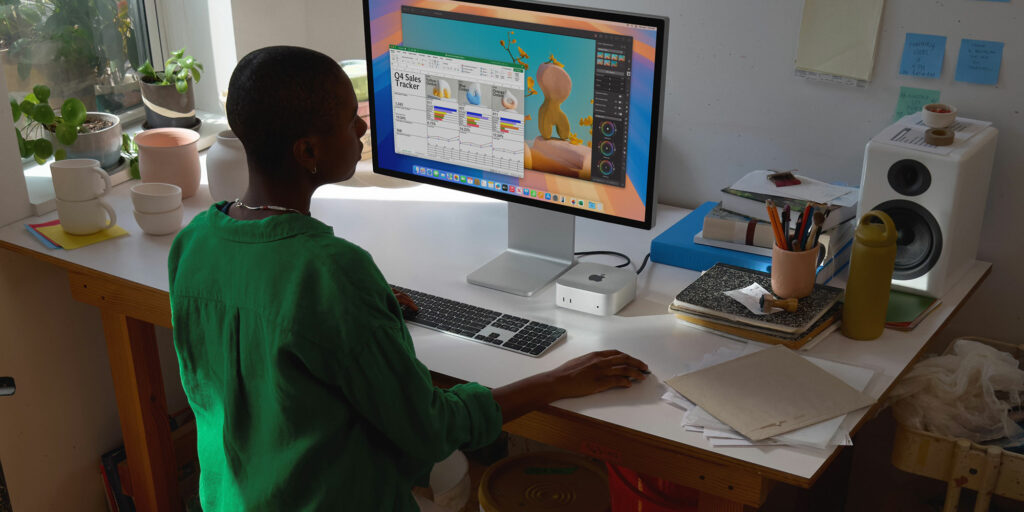
This is where the M6 becomes much easier to recommend. If you’re currently deciding between a MacBook and desktop Mac, the Mac mini M6 is an extremely interesting proposition. You aren’t paying for a built-in display, keyboard, trackpad, battery or camera. Instead, you can build exactly the setup you want.
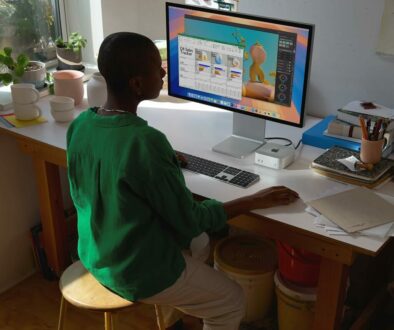
For example, connect the Mac mini to a high-quality 4K monitor, mechanical keyboard and ergonomic mouse and you have a substantially more flexible workstation than a conventional all-in-one desktop. And if you already own a monitor, keyboard and mouse, the economics become even more attractive.
The catch is portability. A MacBook remains dramatically more convenient if you regularly move between home, office, university, cafés or client locations. But for a fixed workstation, home office, studio or creative desk, the Mac mini makes an enormous amount of sense.
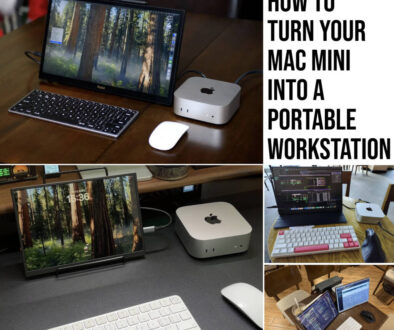
Still, all hope is not lose, as given its 5 x 5-inch small footprint, you can easily make Mac mini a portable computer with these easily available add-ons. You can also find real life examples of portable workstations based on the Mac mini with Mac mini on the Move.
C. The M6 Makes the Mac mini More Interesting as an AI Desktop
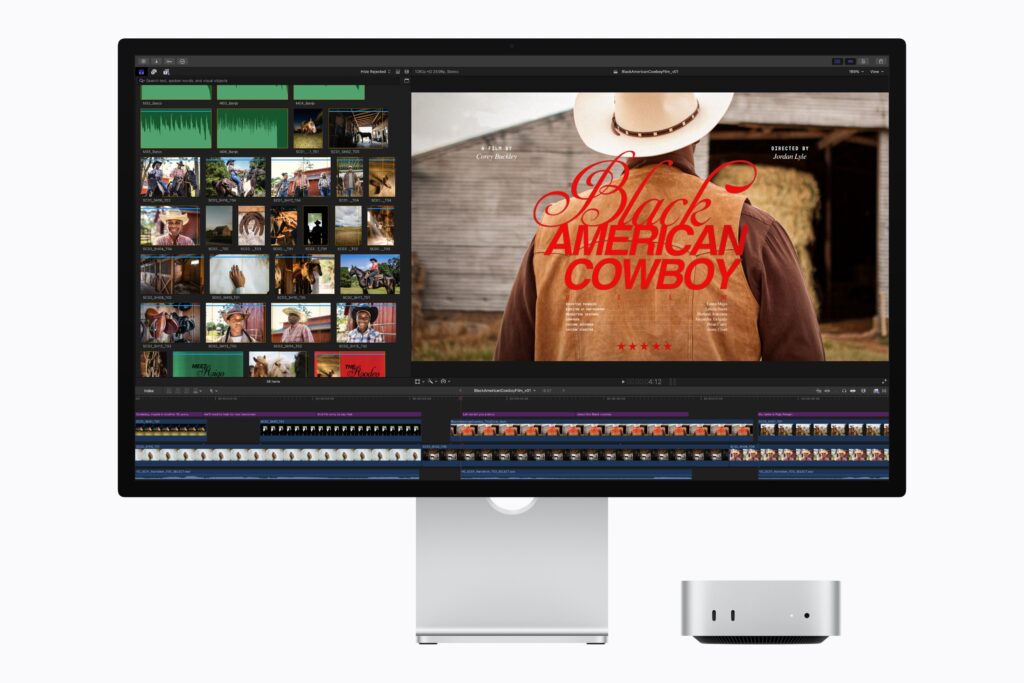
There is another angle that I think deserves attention. The Mac mini could become one of the more interesting consumer-friendly local AI computers.
Cloud AI is convenient, but it comes with ongoing subscriptions, internet dependency and privacy considerations. A sufficiently powerful Mac can instead perform an increasing amount of AI processing locally.
That matters for people working with Private documents, Personal photographs, Business information, Code, Audio recordings, Video and Large collections of local files. The M6’s enhanced AI hardware potentially makes the Mac mini much more useful as a machine that sits quietly on your desk and performs AI tasks locally.
And because it is a desktop, Apple has another advantage: it can run continuously without the battery and thermal constraints of a laptop.

But Don’t Buy M6 Just for the AI Label
There is an important caveat. AI performance numbers are only useful if the software you actually use can take advantage of Apple’s hardware. A faster Neural Engine does not automatically make every AI application four times faster. The real-world benefit depends on:
- The AI model being used
- Whether the application supports Apple Silicon acceleration
- Memory capacity
- How much of the workload runs locally
- Whether the software uses the Neural Engine, GPU or CPU
- How efficiently macOS and the application manage unified memory
So I would not recommend buying an M6 simply because it has a larger AI number on the specification sheet.
Buy it because your applications can use that additional performance.
That distinction will become increasingly important as AI software matures.
The M6 Is More About Headroom Than Speed
This is perhaps the best way to think about the upgrade. An M4 Mac mini is already fast. The M6 gives you more headroom. That means more room for increasingly demanding applications over the next few years.
A typical M4 user might never notice the difference between the two machines during basic productivity work. A developer compiling a large project while running multiple containers and an AI coding assistant could notice it immediately.
The same applies to a video editor working with high-resolution footage, a designer working with complex 3D scenes or someone running local AI models. The M6 isn’t necessarily about making today’s simple tasks dramatically faster. It is about making tomorrow’s workloads more achievable.
Is It Time to Upgrade?
A. From Intel Mac mini
Absolutely. The difference between an older Intel Mac and the M6 is likely to be enormous in performance, efficiency and AI capability.
B. From M1 or M2 Mac mini
Possibly. If your M1 or M2 is still doing everything you need, there is no urgency. But demanding creative work, development and AI workloads make the M6 much more compelling.
C. From M4 Mac mini
Only if you have a reason. The M4 is still an excellent desktop. Upgrade because you need more performance, not because the model number has changed.
Buying your first Mac mini
The M6 is the model I’d be looking at. Unless an M4 is available at a particularly attractive clearance price, buying into the newer generation gives you considerably more performance headroom and a longer runway for emerging AI applications.
The M4’s Biggest Legacy May Be the Mac mini Itself. Perhaps the most important thing about the M4 Mac mini wasn’t the processor. It was the fact that Apple finally demonstrated how much computer could fit into such a tiny box. The M4 turned the Mac mini from an inexpensive entry-level Mac into a serious desktop workstation in miniature.
The M6 takes that philosophy further. The machine remains tiny, but the workloads it can tackle continue to grow. That’s an important shift in the way we should think about desktop computing.
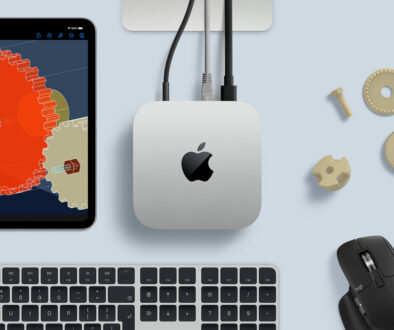
A desktop no longer needs to be a large tower sitting under a desk. It can be a five-inch square computer connected to a monitor, external SSDs and whatever peripherals your work requires.
The Outlook: M6 Could Have a Longer Life Than M4
The M4 was arguably the Mac mini that reset expectations. The M6 looks more like the Mac mini that prepares the platform for the next phase of computing.
The combination of faster CPU performance, significantly stronger graphics, improved storage, hardware ray tracing and a huge jump in AI capability gives it a much broader performance envelope.
For ordinary desktop users, that may be overkill. For creators, developers and AI enthusiasts, however, the M6 could prove much more significant. And that leads to my main takeaway:
The Mac mini M4 made the tiny desktop desirable. The M6 could make it one of Apple’s most interesting computers for the AI era.
I wouldn’t rush to replace a perfectly good M4. But if you’re buying your first desktop Mac, moving from an older Intel/M-series machine, or planning to explore increasingly demanding local AI and creative workloads, the M6 is much more than a routine specification bump. It could be the Mac mini that changes what we expect from a desktop computer all over again.