Monitor Panel Types Explained: IPS vs VA vs TN vs OLED vs Mini-LED
If you are geeking over the specifications of a monitor, you will undoubtedly come across the different panels. The best overall panel type depends on your main use case. Let’s get our terminology straight so you can make an informed decision.
Overview
So we get the different elements of a monitor panel straight, here is a quick comparison table:
| Panel Type | Family | Needs LED Backlight? | Best Used For |
| TN (Twisted Nematic) | LCD | Yes | Fast response times for budget gaming |
| VA (Vertical Alignment) | LCD | Yes | High contrast and deep blacks for watching movies |
| IPS (In-Plane Switching) | LCD | Yes | Great colors and wide viewing angles for editing |
| OLED (Organic LED) | OLED | No (Self-emitting) | Perfect contrast and deep blacks for premium screens |
The four different panel types are listed above. Apart from OLED, these are all from the LCD family that requires LED backlight to work.
1. IPS LCD Panel
IPS (In-Plane Switching): This is the specific panel technology that dictates how liquid crystals move to shape colors and provide wide viewing angles. It belongs to the LCD family alongside TN and VA
LED: This refers to the light-emitting diode technology used to illuminate (backlight) the liquid crystal panel.
Because an IPS LCD Panel needs a light source to show an image, manufacturers use an LED Backlight behind it. Therefore monitors and laptop screens are usually both an IPS panel and LED Backlit.
IPS (In-Plane Switching) LCD is considered the best all-round choice for most users. Almost all modern IPS LCD screens are LED-backlit.
Best for: General daily use, office work, content creation (photo/video editing), and casual to fast gaming.
Pros: Excellent, accurate color reproduction and very wide viewing angles (colors do not shift when you look from the side). Modern versions also offer fast refresh rates.
Cons: Weaker contrast levels; blacks can look more like dark gray, and bright edges can cause a glowing effect (“IPS glow”)
2. VA (Vertical Alignment)
VA (Vertical Alignment) panels act as a middle ground between TN and IPS, best known for their superb contrast ratios and deep black levels. Because the liquid crystals align vertically to block out backlighting efficiently, they are excellent for watching movies or playing immersive games in dark rooms, though they can suffer from slight motion smearing during fast-paced action scenes.
Best for: Dark-room movie watching and immersive, single-player atmospheric games.
Pros: High native contrast ratios with deep blacks that outperform standard IPS and TN panels.
Cons: Slower pixel response times in darker scenes can lead to motion smearing or ghosting on budget models.
3. TN (Twisted Nematic)
TN (Twisted Nematic) is the oldest LCD panel technology, valued primarily for its blisteringly fast pixel response times and low manufacturing costs. It is highly popular among competitive gamers on a budget because it eliminates motion blur, but it suffers from poor colour accuracy and incredibly narrow viewing angles that cause the image to distort or wash out if viewed from the side.
Best for: Ultra-budget competitive esports gaming where raw speed is the only priority.
Pros: Fastest response times and highest refresh rates at a very low cost.
Cons: Poor color reproduction and very narrow viewing angles causing colors to wash out easily.
4. OLED (Organic Light-Emitting Diode)
OLED is widely considered the most advanced consumer display technology because it offers an infinite contrast ratio, true blacks, and incredibly fast pixel response times. While technologies like MicroLED are technically more advanced, they remain far too expensive and difficult to manufacture for mainstream consumer devices.
Historically, LCD screens had the advantage in raw brightness. However, Apple and Samsung have achieved massive peak brightness breakthrough on OLED screens pushing flagship phones beyond 3000 nits using next generation organic materials. A bit more on this at the bottom of this article.
Best for: Premium gaming, watching movies, and HDR content where ultimate visual fidelity matters.
Pros: Infinite contrast ratio with true, perfect blacks and near-instant response times (virtually zero motion blur).
Cons: Very expensive, lower peak brightness than some LCDs, and carries a risk of screen burn-in.
5. OLED with High Peak Brightness
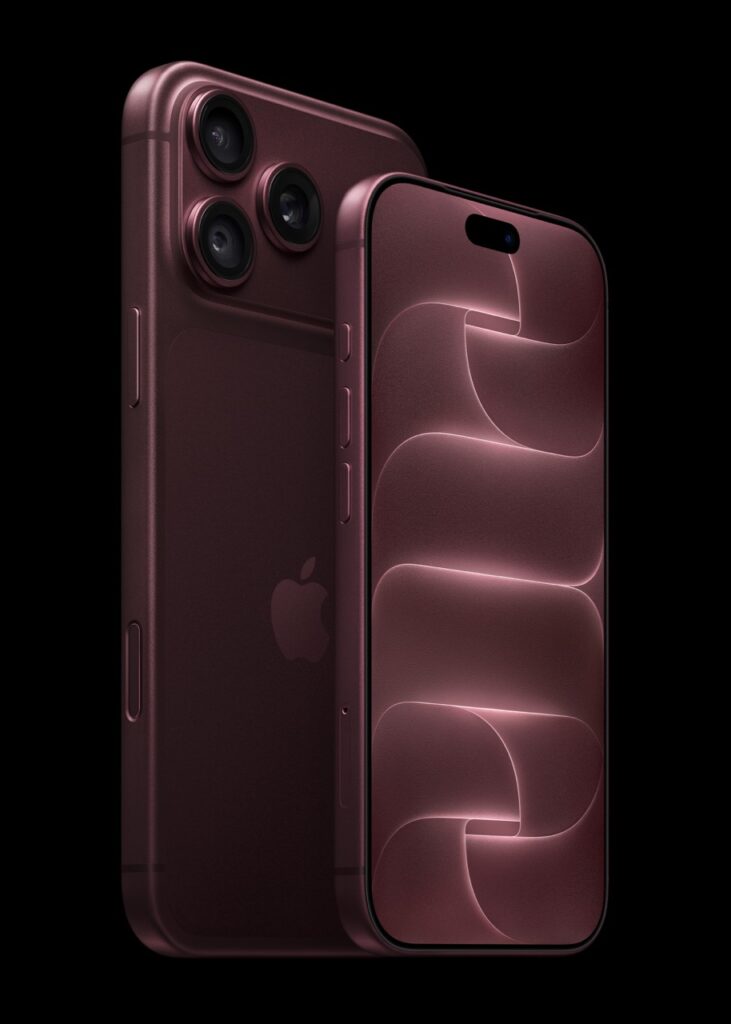
I am going to go on a tangent here to explain OLED and smartphone OLEDs a bit more. The next generation organic material allows the OLED panel to take more electricity for extra brightness without overheating, rapid degradation and permanent burn-in. Samsung Display engineered advanced organic compound structures that allow pixels to eit more light using 30% less power, reducing heat buildup.
The OLED pixels on a smartphone screen are also densely packed often 4 or 5 times denser than pixels on OLED monitor or TV. With high pixel per inch density, their combined light output per inch is much higher. These flagship displays also use polariser-free designs by printing a colour filter directly onto the panel layer. Polarising film is used to prevent ambient sunlight from reflecting off the internal components but also blocks a massive portion of the light from coming out of the screen. With the colour filter directly onto the panel layer, this eliminates the sunglasses effect, allowing maximum light to pass through without drawing extra battery.
Another clever design is the use of software and sensors. Mobile devices do not run at 3000 nits all the time. Instead, the software keeps the screen at normal sustained level indoors at around 500 – 1000 nits. The extreme peak brightness only kicks in albeit in short bursts when under direct sunlight (as picked up by ambient light sensors) or when displaying HDR video content with screen flashes extreme brightness briefly onto tiny parts of the image while keeping the rest of the image dim, reducing battery drain and overheating.
- Best for: Flagship smartphones used frequently outdoors in direct sunlight.
- Pros: Blindingly bright highlights for HDR movies and superb outdoor visibility.
- Cons: High risk of screen burn-in and rapid battery drain if forced to stay at peak levels.
6. Tandem OLED
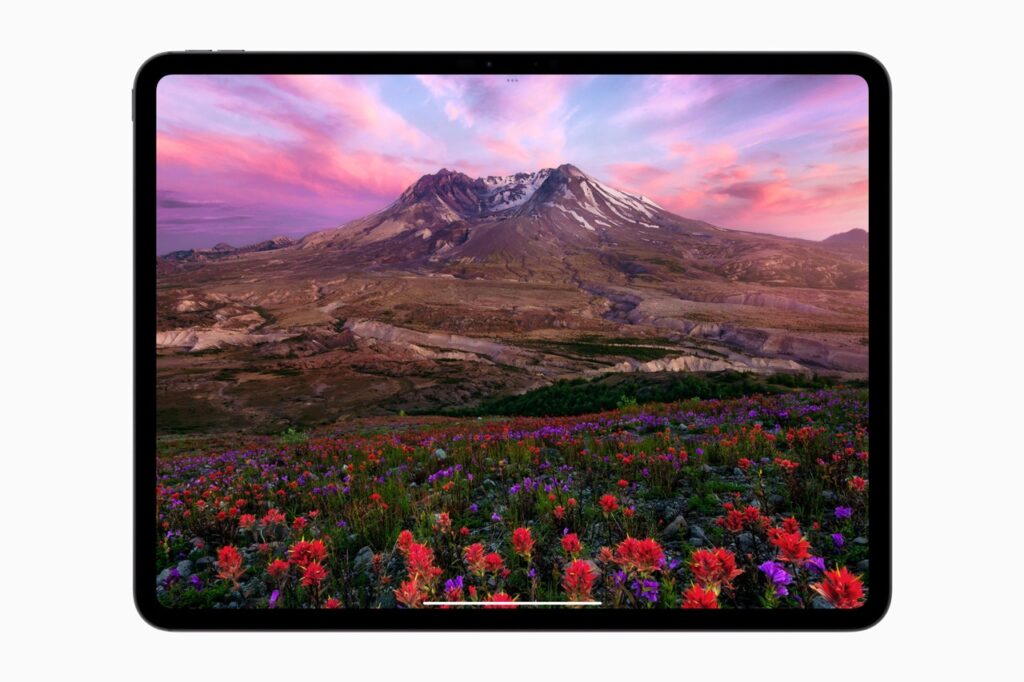
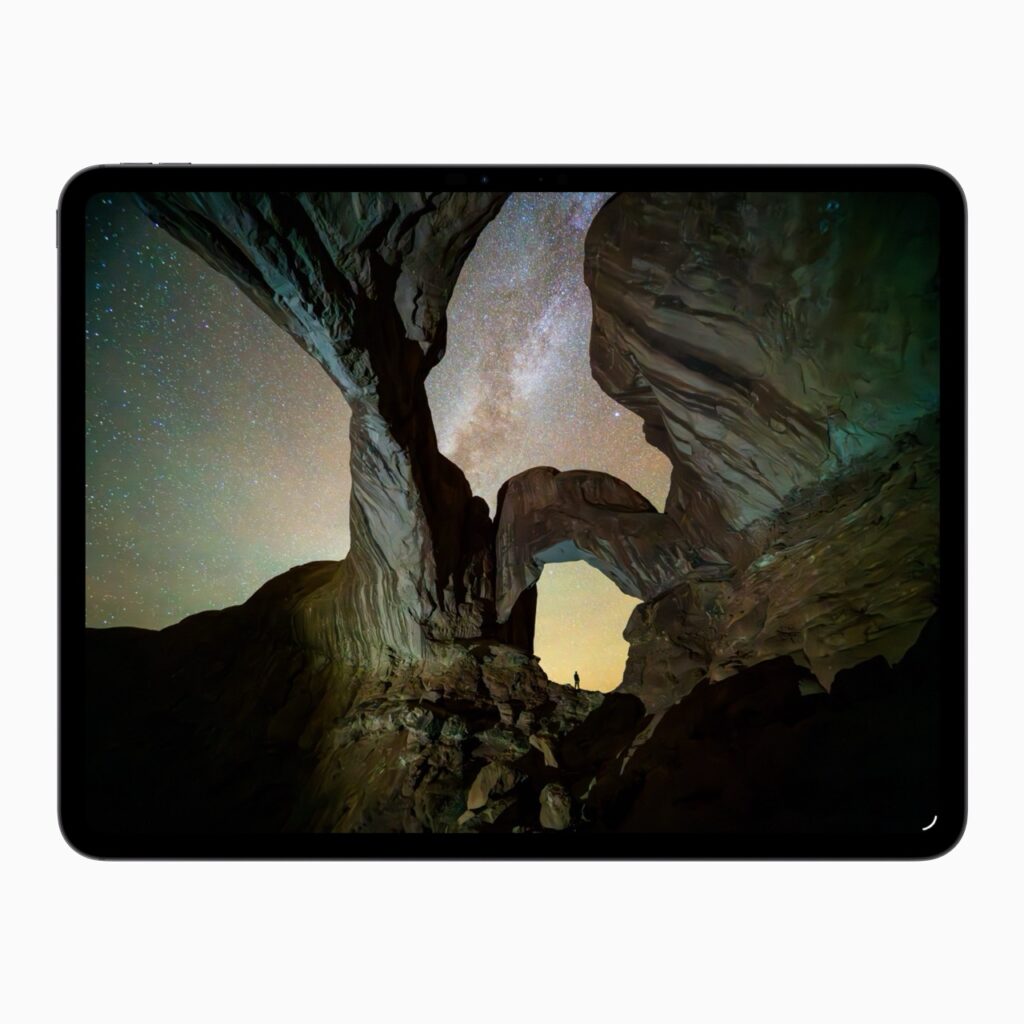
For slightly larger screens like the iPad Pro and premium laptops, Apple and Samsung use Tandem OLED. This physically stacks two separate OLED display layers right on top of each other. By layering them, the screen doubles the light output while splitting the electrical workload between two sheets of pixels, drastically extending the display’s lifespan. iPad Pro M4 and M5 already use this technology so the future is already here.
This design physically stacks two separate OLED display layers right on top of each other, splitting the electrical workload between them. This allows it to achieve up to 1000 nits of full screen brightness for standard and HDR content and up to 1600 nits of peak brightness for HDR highlights.
- Best for: Devices kept for many years with high screen-on time, like tablets, laptops, and automotive dashboards.
- Pros: Double the brightness potential with drastically improved lifespan and lower burn-in risk.
- Cons: Significantly higher manufacturing costs and slightly thicker panel profiles.
7. What about Mini-LED?
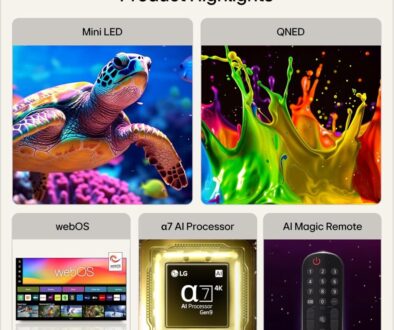
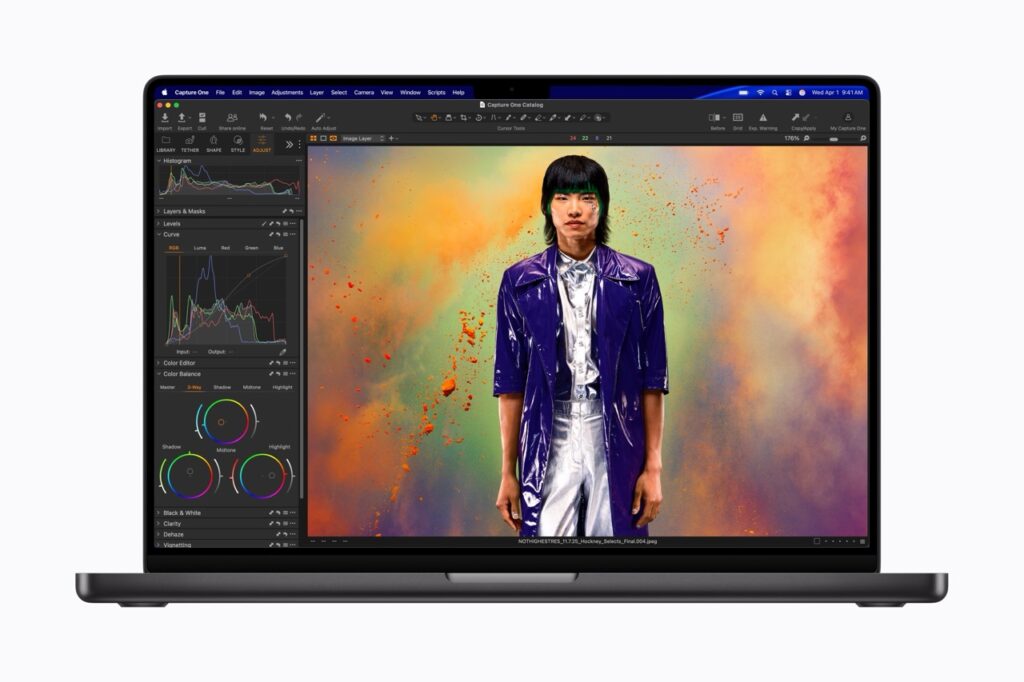
Mini-LED isn’t a panel type. It is a backlight technology used with an LCD panel. An array of tiny LEDs are added to the back of the LCD screen. These are grouped into hundreds of local dimming zones. Normal LED backlight however uses larger, fewer diodes for basic or full-array illumination with less granularity control. Here are the key differences between mini LED and normal LED.
LED Size: Mini LEDs measure about 100 to 200 micrometers (the size of a human hair), which is 5 to 10 times smaller than standard LED packages (1 to 2 millimeters)
Brightness & Zones: Normal LEDs offer lower peak brightness and fewer dimming zones (often 20 to 300). Mini LED arrays pack thousands of local dimming zones, driving peak brightness levels past 2,000 nits
Contrast & Blacks: Standard LED panels often suffer from washed-out contrast and noticeable blooming (halo effects around bright objects on dark backgrounds) due to large lighting zones. Mini LED provides sharper dark levels and deep contrast, though blooming can still occur in extreme high-contrast scenes.
Cost: Traditional LED TVs remain the most affordable and budget-friendly choice, while Mini LED models command a higher price tag closer to premium OLED options.
Mini-LED is one of the best choices if you want high brightness, strong contrast and HDR performance without the burn-in considerations of OLED.
8. Then there are QLED & QNED
Again, it is important to know that QLED, QNED, and plain LED are not actually panel types, but rather different backlight and colour layers added onto standard VA or IPS LCD panels. The Q standards for Quantum Dot colour layer/filter paired with LED backlight on a VA or IPS LCD panel.
A Quantum Dot is a tiny, human-made nanocrystal that glows with incredibly pure color when hit by light. These particles are incredibly small, measuring just 2 to 10 nanometers across, about 10,000 times thinner than a human hair.
In displays (like QLED TVs), they replace the standard filters to create brighter, more lifelike images.
Mini LED vs. Quantum Dot (QLED)
People often confuse these two terms because premium TVs frequently use both together. They actually do two completely different jobs inside a display panel:
| Feature | Quantum Dots (QLED) | Mini LED |
| Primary Job | Creates and purifies color | Provides the backlight |
| How it Works | Film layer that changes blue light into vivid reds and greens | Tiny backlight bulbs that create brightness and deep blacks |
| Location | Sits near the front of the screen panel | Sits at the very back of the screen panel |
When a TV combines both using a Mini LED backlight to power a Quantum Dot color filter, it creates a premium display with massive brightness, deep contrast, and exceptionally vibrant colours.
Comparison of LED Backlight and Colour Technologies
Here are the possible combinations of Quantum Dot colour filter with different backlight technology.
| Technology | What It Actually Is | Best For | Pros | Cons |
| QLED Mini-LED | Mini-LED backlight + Quantum Dot color layer on an LCD panel. | Bright-room gaming, HDR movies, and mixed-use spaces. | High peak brightness, deep blacks with many dimming zones, vivid colors. | Can show “blooming” (light haloing around bright objects on dark backgrounds). |
| QNED Mini-LED | LG’s brand name combining Quantum Dot and NanoCell color tech with Mini-LEDs. | Wide-angle living room viewing and high-end productivity. | Great color purity and wide viewing angles (usually uses an IPS-style panel). | Slightly lower contrast than VA-based QLED Mini-LEDs. |
| QLED or QNED | Standard-sized LED backlight + Quantum Dot or NanoCell color layer on an LCD panel. | Budget-to-mid-range HDR gaming and daily entertainment. | Much brighter and more vibrant colors than standard plain LEDs. | Contrast and dimming are limited compared to Mini-LED. |
| Plain LED | Standard-sized LED backlight on a basic LCD panel. | Budget office work and basic everyday browsing. | Highly affordable, widely available, and reliable. | Low contrast, duller colours, and poor HDR performance. |
To Summarise:
- Mini-LED vs. Standard LED: Standard LEDs use large backlight bulbs that light up the whole screen at once. Mini-LED uses thousands of tiny bulbs grouped into hundreds of “local dimming zones.” These zones can turn completely off in dark areas, giving you near-OLED black levels and incredible contrast.
- The Color Enhancers (QLED vs. QNED): Quantum Dots (QLED) and NanoCell particles (QNED) are tiny crystals placed over the backlight. They filter the light to create pure, accurate, and vivid reds, greens, and blues instead of the slightly washed-out colours seen on plain LEDs.
Other Features You Don’t Want to Miss
A. IPS Black, Fast IPS and Nano IPS
Not all IPS monitors are identical. Manufacturers have developed several variations of IPS technology to improve particular characteristics such as contrast, response time or colour reproduction.
IPS Black is a newer IPS technology designed to improve the relatively weak contrast of conventional IPS panels. It can produce deeper blacks and higher contrast while retaining the wide viewing angles and colour consistency associated with IPS. This makes IPS Black particularly attractive for office work, photography, video editing and other applications where both colour accuracy and better black levels are useful.
Fast IPS is designed primarily for gaming. It uses an IPS panel with faster pixel response times, allowing manufacturers to offer high refresh rates such as 144Hz, 165Hz, 240Hz or higher while retaining the viewing angles and generally good colour performance of IPS. Fast IPS is a good choice for competitive and fast-paced gaming.
Nano IPS is LG’s branding for an IPS technology that uses nanoparticles to improve the colour characteristics of the display. Nano IPS monitors are known for wide colour gamuts and strong colour reproduction, making them popular with gamers, photographers and content creators. Nano IPS is still an IPS LCD panel rather than an entirely different panel type.
B. Refresh Rate and Response Time: Don’t Confuse the Two
Refresh rate and response time are specifications, not panel types, although they are often mentioned alongside IPS, VA and TN when comparing monitors.
Refresh rate, measured in hertz (Hz), tells you how many times the monitor can update the image every second. A 60Hz monitor refreshes 60 times per second, while a 144Hz monitor can refresh 144 times per second. A higher refresh rate can make scrolling, moving windows and especially games look noticeably smoother.
Response time, usually measured in milliseconds (ms), describes how quickly individual pixels can change from one colour to another. Faster response times can reduce ghosting and motion blur during fast movement.
The two specifications work together but are not interchangeable. A monitor can have a very high refresh rate but still suffer from noticeable ghosting if its pixel response is slow.
For general office work, 60Hz is usually sufficient. For gaming, 120Hz, 144Hz or higher can provide a much smoother experience.
C. Resolution and Pixel Density: Bigger Isn’t Always Sharper
Resolution tells you how many pixels a monitor has. A 4K monitor, for example, has a resolution of 3840 × 2160 pixels, giving you considerably more desktop space and detail than Full HD.
However, screen size matters. The same resolution can look very different on different-sized displays.
A 27-inch 4K monitor has a much higher pixel density than a 43-inch 4K monitor because the same number of pixels is spread across a smaller physical area. Pixel density is normally measured in pixels per inch (PPI).
This is particularly important when comparing large monitors. A 43-inch 4K screen has plenty of pixels and can provide a huge amount of workspace, but text and interface elements will not be as physically fine as they are on a 27-inch 4K display.
As a general rule:
- 24-inch: Full HD can still be perfectly practical
- 27-inch: 1440p is a popular balance; 4K provides very sharp text
- 32-inch: 4K is an excellent choice for productivity
- 43-inch: 4K is highly recommended because the large screen benefits from the extra resolution
For a large monitor, don’t look at resolution alone. Consider resolution, screen size, pixel density and viewing distance together.
D. HDR: Look Beyond the HDR Label
HDR (High Dynamic Range) can make games and films look considerably more realistic by allowing a display to reproduce brighter highlights, deeper shadows and a wider range of brightness between the two. However, simply seeing “HDR” on a monitor specification does not mean that it will deliver impressive HDR.
Good HDR performance depends on several factors, including peak brightness, contrast, black levels, colour gamut and local dimming.
A basic LCD monitor may accept an HDR signal but have limited brightness and no local dimming. It can therefore provide only a modest improvement over standard dynamic range.
A monitor with a high-quality Mini-LED backlight and hundreds of local dimming zones can produce much stronger HDR because different areas of the screen can be brightened or darkened independently.
OLED takes this further because individual pixels can switch themselves off completely, producing exceptionally deep blacks and extremely high contrast.
When shopping for HDR, therefore, don’t simply look for the letters HDR. Check the actual brightness, contrast, local dimming capability and colour coverage.
E. Glossy vs Matte: An Important Choice for Desktop Use
The screen surface can have a surprisingly large effect on how enjoyable a monitor is to use.
Matte or anti-glare displays diffuse reflections from windows, lights and other objects in the room. They are generally the better choice for offices and long periods of desktop work, particularly if your desk is close to a window.
Glossy displays allow more direct light from the screen to reach your eyes, which can produce a cleaner, punchier image with richer-looking colours and sharper perceived contrast. The downside is that reflections can become distracting in a bright room.
There is no universally better surface. For a dedicated gaming or entertainment setup in a controlled room, a glossy display can look fantastic. For a typical home office, a good matte or anti-glare finish is usually more practical.
This is also one reason a television and a computer monitor can feel very different even when they use similar LCD panel technology. Many TVs prioritise an attractive, high-contrast picture, while monitors designed for office work tend to place greater emphasis on reducing reflections and maintaining comfortable viewing over long periods.