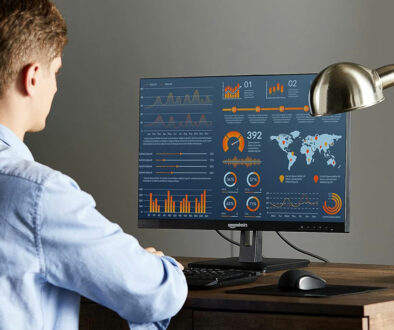
Cheap 32-Inch 4K Monitors: How Much Monitor Can You Get for Less? (£200–£350)
A 32-inch 4K monitor used to be something you expected to pay a premium for. That’s no longer the case. You can now find 32-inch 4K displays for around £180, while spending another £50, £80 or £150 can add features such as HDR, USB-C connectivity, built-in speakers, smart TV functions or a much faster refresh rate. The interesting question is whether those extras are actually worth paying for.
Affordable 32-inch 4K monitors that are still packed with features
A cheap 32-inch 4K monitor already gives you a large desktop and 3840 × 2160 resolution, making it an attractive option for home working, spreadsheets, browsing, photo editing and general everyday use. At this size, 4K also provides plenty of room for multiple windows without the screen becoming as physically large as a 40-inch or 43-inch display.
Gaming is a different matter. Most of the cheaper monitors in this group are limited to 60Hz, while the £330 Dell S3225QS moves up to 120Hz. That difference is much more noticeable when gaming, but a higher refresh rate isn’t necessarily worth paying for if your monitor spends most of its time displaying documents and web pages. If you are considering displays with high refresh rate for gaming we looked at 32-inch 4K monitors based on OLED panels with refresh rates going from 165Hz to 240Hz and higher.
Then there are the features that have little to do with picture quality. Samsung’s Smart Monitor M7 adds its own smart platform and streaming features. The ViewFinity S80UH adds USB-C with 90W charging, Ethernet and USB connectivity, turning the monitor into the centre of a laptop-based desktop setup. So rather than simply picking the cheapest or most expensive screen, this comparison looks at how much monitor you actually get for your money.
We’ve selected 32-inch 4K monitors ranging from around £180 to £340 and looked at where the extra spending makes a meaningful difference and where you might be better off saving your money.
One thing to note, most of these big 32-inch monitors in the budget end are based on VA (Vertical Alignment) panels sharing similar traits below:
- Panel Type: VA (Vertical Alignment)
- Resolution: 4K UHD (3840 x 2160)
- Refresh Rate: 60Hz
- Static Contrast Ratio: 3000:1
- Brightness: 250 – 350 cd/m²
- Response Time: 4 or 5ms (GtG)
Prices and availability
The prices shown in this article are approximate prices observed when researching the monitors and are provided as a guide only. Amazon prices and availability can change at any time, so please check the current price on the retailer’s website before buying. The price shown at the time of purchase is the price that applies.
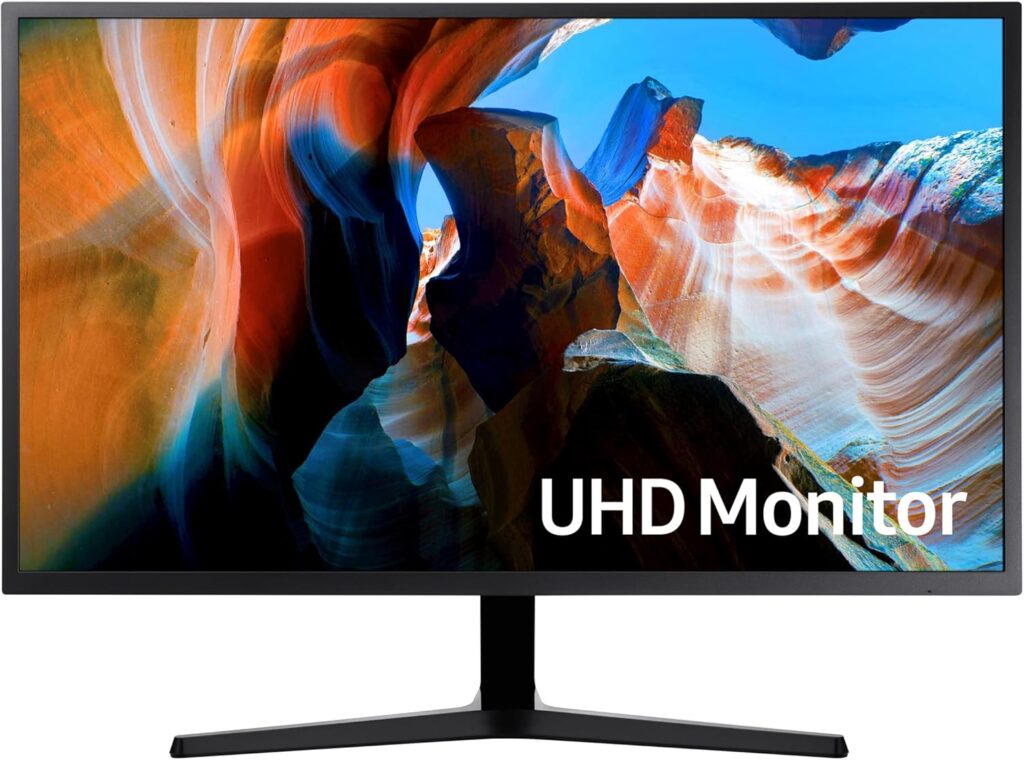
1. Samsung UJ590 LU32J590UQPXXU
Best cheap 32-inch 4K monitor around £180
This is probably the natural starting point for the article because it represents what a genuinely cheap 32-inch 4K monitor looks like.
Key features
- 32-inch VA panel
- 3840 × 2160 4K UHD
- 60Hz
- 4ms response time
- 3000:1 contrast ratio
- 270-nit brightness
- AMD FreeSync
- Low Input Lag Mode
- Picture-by-Picture
- 2 × HDMI
- DisplayPort
- Flat screen
What’s noteworthy? The 3000:1 contrast ratio is the interesting specification here. This isn’t a premium monitor, but VA technology gives it a useful advantage over many inexpensive IPS/LCD alternatives when displaying darker images. The inclusion of FreeSync, low input lag mode and Picture-by-Picture also makes it more versatile than its £180 price suggests.
Best for: Someone who simply wants the biggest affordable 4K desktop monitor they can get without paying for premium features.
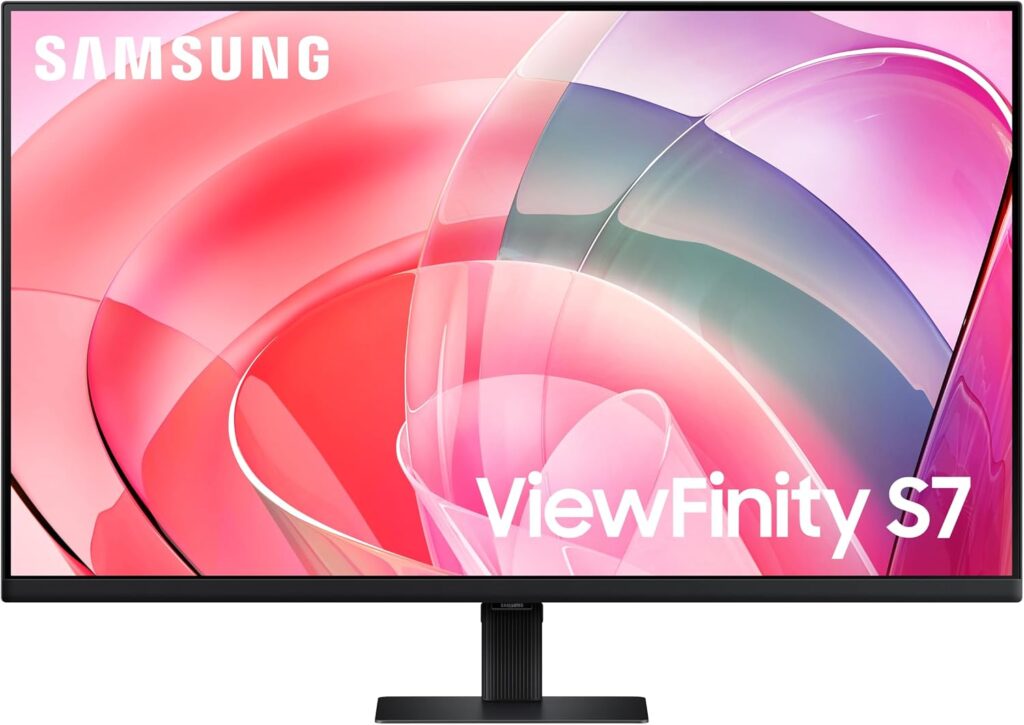
2. Samsung ViewFinity S70D LS32D700
Best for everyday office work for around £200
The ViewFinity S70D is a more modern-looking proposition than the older UJ590 and is aimed more squarely at productivity.
Key features
- 32-inch 4K UHD
- 3840 × 2160
- 60Hz
- 5ms response time
- TUV-certified Intelligent EyeCare
- HDMI
- DisplayPort
- Eye-care features
What’s noteworthy? The ViewFinity branding is the clue to its intended audience. This is less about gaming features and more about providing a large, high-resolution workspace at a relatively low price. At 32 inches, 4K gives you plenty of desktop space for documents, spreadsheets and multiple windows. This is one of two ViewFinity S70D that made our list, the other comes in a white body, both have similar specifications but offered at different prices.
Best for: Home working, office work and general desktop use.
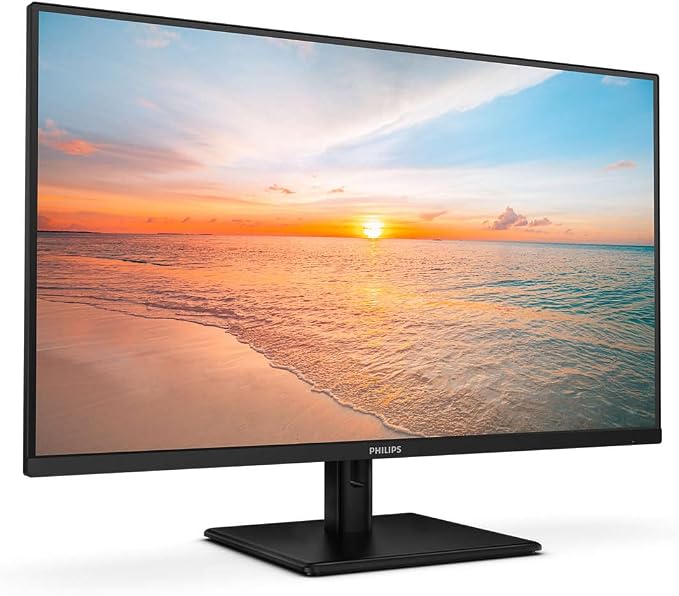
3. Philips 32E1N1800LA
Best budget all-rounder for around £205
The Philips is particularly interesting because it combines a low price with several features missing from some of the cheapest monitors.
Key features
- 31.5-inch 4K UHD
- VA LED panel
- 3840 × 2160
- 60Hz
- Adaptive Sync
- HDR10
- Built-in speakers
- DisplayPort
- 2 × HDMI
- LowBlue Mode
- Flicker-free technology
What’s noteworthy? HDR10 and built-in speakers make this more of an all-rounder. At this price, you shouldn’t expect OLED-style HDR, but having HDR support gives it some flexibility for video and entertainment. The speakers are also useful if this is going into a home office where you don’t want a separate audio system but the sound quality is nothing to should about.
Best for: A budget home-office monitor that will also be used for video and casual gaming.
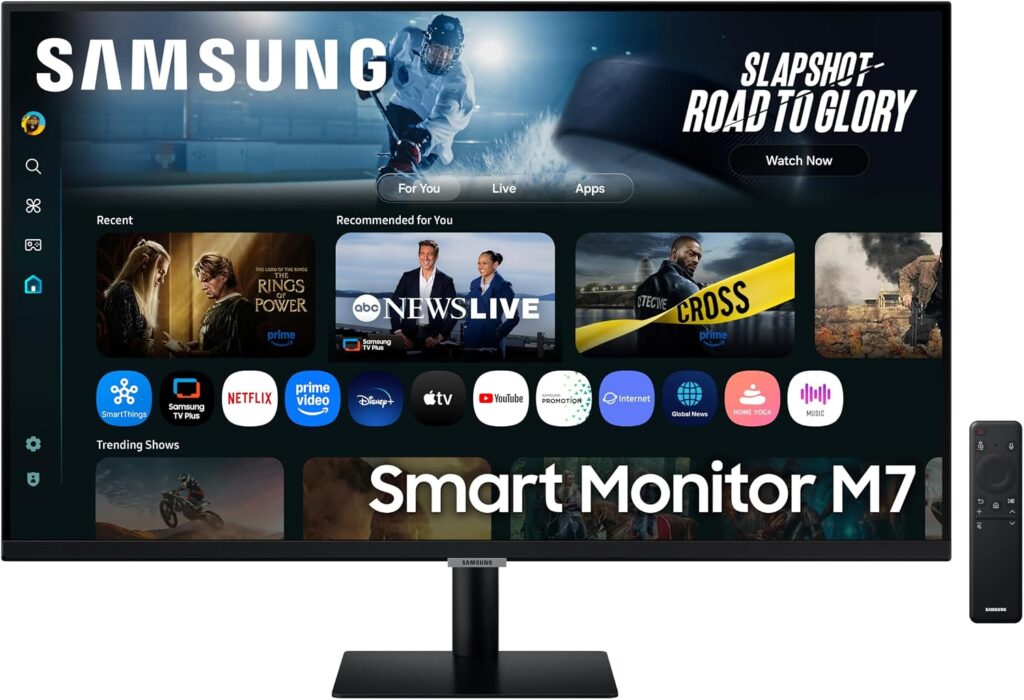
4. Samsung Smart Monitor M7 LS32FM702
Best for replacing a monitor and TV for around £250
This is probably the most interesting monitor in the list from an editorial perspective. The M7 isn’t simply a 32-inch 4K monitor. It is effectively a smart display that can also be used as a conventional monitor.
Key features
- 32-inch 4K UHD
- VA Panel
- Samsung Tizen OS
- Built-in speakers
- HDR10
- AI Picture Optimiser
- USB-C
- HDMI
- Wi-Fi
- Bluetooth
- AirPlay
- Smart Hub
- Streaming and catch-up apps
- Gaming Hub
- Remote control
What’s noteworthy?
The Tizen smart platform changes the proposition completely. You can use it for PC work during the day and streaming or other entertainment without having to turn on the computer. That could make it particularly attractive in a bedroom, small office or living space.
Best for: Someone who wants one 32-inch display to handle computing, streaming and entertainment
5. Samsung ViewFinity S70D LS32D701
Best budget 4K monitor for around £260
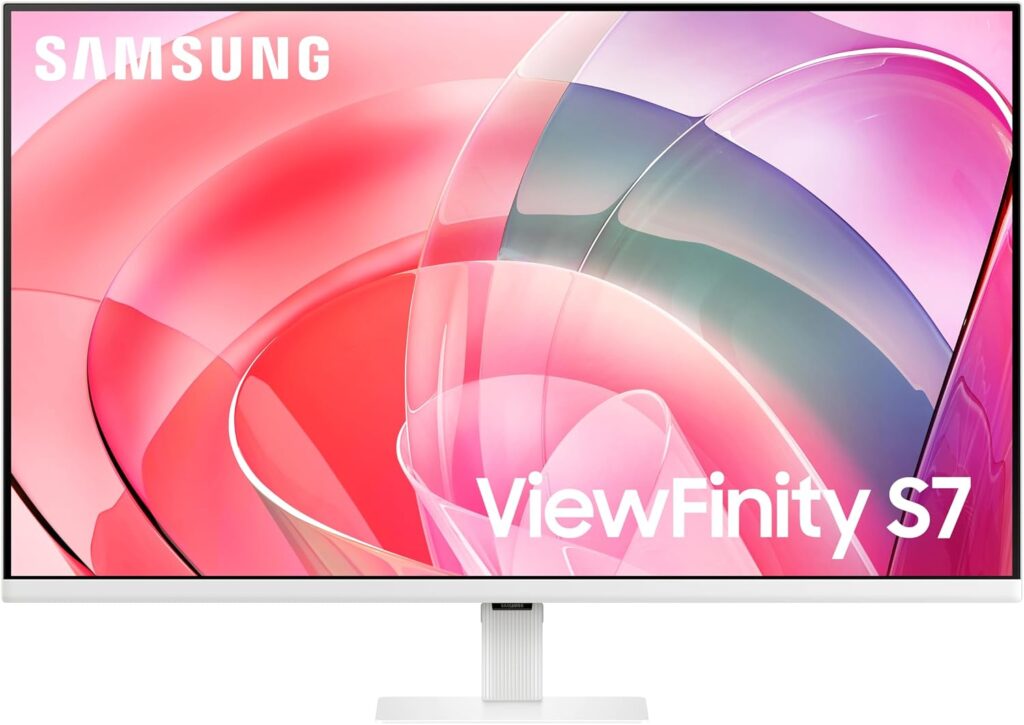
This is the same monitor we talked about earlier but this time in white. One of the interesting specification that we had to double check is the monitor finish. Some retailers claim that this comes with a glossy screen which can be appealing for some but our research indicates that both this white variant S32D701 and black variant S32D700 feature standard anti-glare matt finish.
Key features
- 32-inch 4K UHD
- Flat VA Panel
- 60Hz refresh rate
- 3000:1 contrast ratio
- 5ms response time
- HDR10 with 99% sRGB coverage
- TUV-certified Intelligent EyeCare
- HDMI
- DisplayPort
- USB
- White exterior
/themify_col]
What’s noteworthy? Apart from the white body, nothing that we have not mentioned before from the ViewFinity S70D above.
Best for: Home users who prioritise image appearance and don’t have a brightly lit desk with lots of reflections.
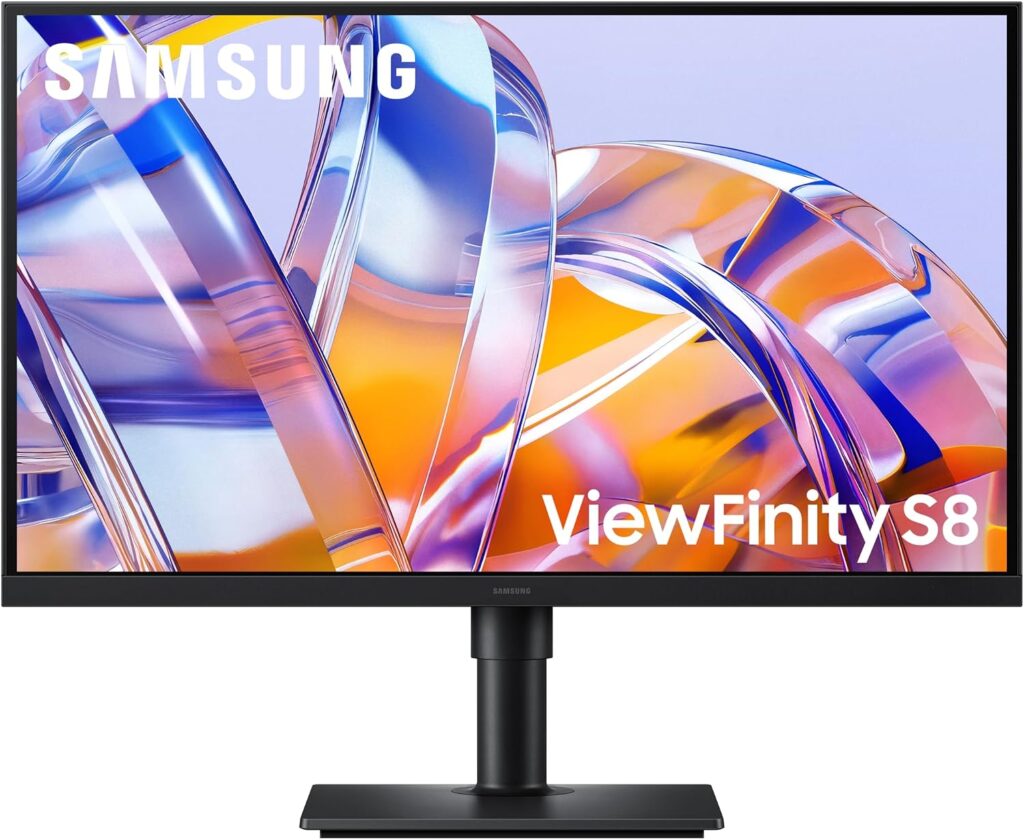
6. Samsung ViewFinity S80UH 32-inch
Best for laptop users and serious home-office work for around 340
The Samsung ViewFinity S80UH is probably the most interesting addition because it addresses something the cheaper monitors largely ignore: desk connectivity.
Key features
- 32-inch VA panel
- 60Hz refresh rate
- 3000:1 contrast ratio
- 350 cd/m² (Typical) / 280 cd/m² (Minimum)
- HDR10 and 99% sRGB coverage
- USB-C with 90W power delivery
- USB 3.2 A x3 downstream
- Ethernet LAN pass wired network to laptop via USB-C
- HDMI x 1
- DisplayPort x 1
- Height-adjustable stand
- Eye Saver Mode
What’s noteworthy? USB-C 90W is the headline feature. For someone using a MacBook, Windows laptop or other USB-C notebook, this changes the monitor from simply being a screen into something closer to a desktop docking station.
One USB-C connection can handle the display while charging the laptop, with Ethernet and USB peripherals connected to the monitor rather than directly to the laptop. That is a much more meaningful upgrade for a home office than another 5Hz or 10Hz of refresh rate.
The VA panel also gives it an advantage over basic IPS displays when it comes to contrast, although the 60Hz refresh rate makes clear that this isn’t primarily a gaming monitor.
Best for: Laptop users, home offices and anyone who wants a 32-inch 4K monitor that can simplify their desk setup.
The catch At 60Hz, it isn’t the monitor I’d choose for a gaming-focused setup. And if you don’t need USB-C charging, Ethernet or the extra connectivity, the considerably cheaper Samsung UJ590 or ViewFinity S70D may give you most of what you actually need.
7. Dell 32 Plus S3225QS
Best overall if you can stretch to £330
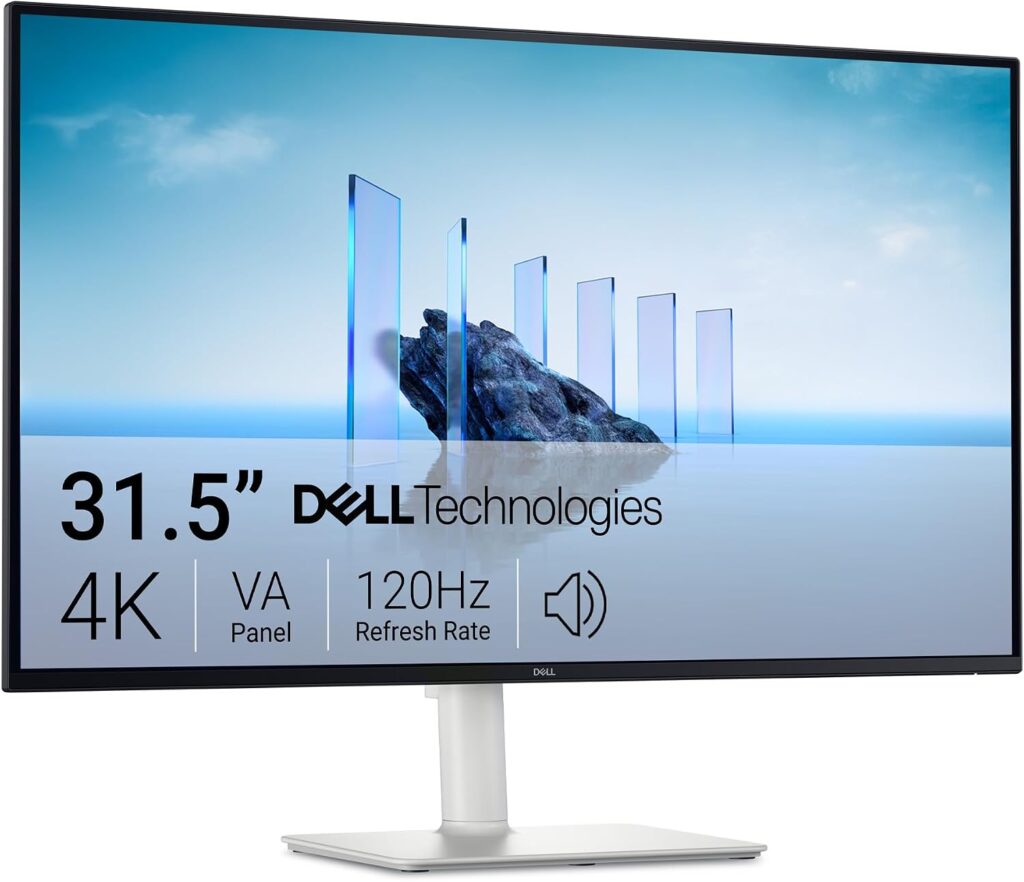
This is the monitor I’d use as the benchmark at the top end of the article. It costs considerably more than the £180 Samsung, but it also addresses one of the biggest weaknesses of the cheaper displays, 60Hz. At 120Hz refresh rate, it is double that of all the monitors are capable here, plus it has a slim bezel, two tone finish and a versatile stand.
Key features
- 32-inch 4K UHD
- VA panel
- 120Hz refresh rate
- 4ms response time
- 3000:1 contrast
- 99% sRGB and 95% DCI-P3
- TUV Rheinland 4-star eye comfort
- 2 × 5W speakers
- 2 × HDMI 2.1
- DisplayPort 1.4
- Height, tilt and swivel adjustments
What’s noteworthy? The 120Hz refresh rate is the big one. It changes the feel of everyday computing as well as gaming. Scrolling through web pages, moving windows and navigating the desktop can feel noticeably smoother than 60Hz.
Also, the colour coverage is also considerably more interesting than the cheapest monitors: 99% sRGB and 95% DCI-P3. That makes it a more serious option for creative work.
Best for: The person who wants a 32-inch 4K monitor that can handle work, entertainment and gaming without immediately jumping to OLED prices.
Quick Comparison
|
Monitor |
Panel |
Refresh |
Approx. price |
Main reason to consider |
|
Samsung UJ590 |
VA |
60Hz |
£180 |
Cheapest 32-inch 4K |
|
Samsung ViewFinity S70D S32D700 Black |
VA |
60Hz |
£200 |
Office work / eye comfort |
|
Philips 32E1N1800LA |
VA |
60Hz |
£205 |
HDR10 + speakers |
|
Samsung Smart Monitor M7 |
VA |
60Hz |
£250 |
Smart TV + monitor |
|
Samsung ViewFinity S70D S32D701 White |
VA |
60Hz |
£260 |
Glossy display |
|
Samsung ViewFinity S80UH |
VA |
60Hz |
£340 |
USB-C 90W + LAN + productivity |
|
Dell S3225QS |
VA |
120Hz |
£330 |
Best performance upgrade |
Please note that prices are correct at time or writing and is subject to change. Please check retailers for the most current prices.
How much should you spend on a 32-inch 4K monitor?
The good news is that you don’t need to spend a fortune to get a large 4K monitor. At around £180, the Samsung UJ590 shows just how far monitor prices have fallen. You get a 32-inch 4K display with a VA panel, 60Hz refresh rate, 3000:1 contrast and FreeSync. For basic home working, browsing and everyday computing, that may be all the monitor you need.
Spending around £200–£260 brings more choice rather than an obvious jump in image quality. The ViewFinity S70D concentrates on office use and eye comfort, the Philips adds HDR10 and speakers, while Samsung’s Smart Monitor M7 brings smart TV and streaming features. The S32D701 takes a different approach with its glossy screen.
The ViewFinity S80UH makes a stronger case for spending more if you’re a laptop user. USB-C with 90W power delivery, Ethernet and USB connectivity can make a considerable difference to a home-office setup. You’re paying for convenience and connectivity rather than a higher refresh rate.
Then there’s the Dell S3225QS at around £330. This is where the specification starts to change more significantly. Its 120Hz refresh rate makes it much more interesting for gaming and smoother everyday use, while its 99% sRGB and 95% DCI-P3 coverage give it stronger credentials for creative work.
So, £180 is enough for a good basic 32-inch 4K monitor. Around £200–£260 is where you choose the features that matter to you, while £330 buys a more capable all-round display rather than simply a bigger or sharper picture.
For a straightforward office monitor, I’d save the money and look towards the £180–£205 models. Laptop users should consider the value of USB-C docking features, while gamers have a much better reason to stretch towards the 120Hz Dell.
The important thing is not to assume that the £330 monitor is automatically three times better than the £180 one. At this price range, you’re mostly deciding which features are worth paying for.