Should You Buy a 43-Inch 4K Monitor or Use a TV Instead?
A 43-inch 4K display sounds enormous for a computer, but it can make a surprisingly good desktop monitor. At 3840 × 2160, you get four times the workspace of a 1080p display, and a 43-inch screen can effectively replace a multi-monitor setup. The catch is that not every 43-inch 4K TV makes a good computer monitor.
For this comparison, I’m looking at the iiyama ProLite X4373UHSU-B2, and asking a more useful question:
How much should you spend to get a really good 43-inch screen for work, gaming and entertainment?
Our Shortlist
| Model | Type | Resolution | Refresh | Panel/backlight | Price* | Best for |
| iiyama X4373UHSU-B2 | Monitor | 4K | 60Hz / 1080p 120Hz | VA | £390.00 | Serious desktop use |
| Samsung QE43QN70H | TV | 4K | 60Hz | Neo QLED Mini LED | £470.00 | Best picture + PC/TV |
| LG 43QNED70B6C | TV | 4K | 60Hz | QNED Mini LED | £315.00 | Best TV value |
| LG 43NU850B6LA | TV | 4K | 60Hz | LED | £230.00 | Budget TV/monitor |
| Hisense 43A7STUK | TV | 4K | 60Hz | QLED / DLED | £350.00 | Budget QLED TV / monitor |
*prices are checked in October 2026 and subject to change.
Judging from the prices and specs above, you can immediately see an interesting proposition:
The LG QNED70 is actually cheaper than the dedicated monitor.
So why buy the monitor?
First: is 43 inches actually suitable as a computer monitor?
Yes — but only if you have the desk space and sit far enough away.
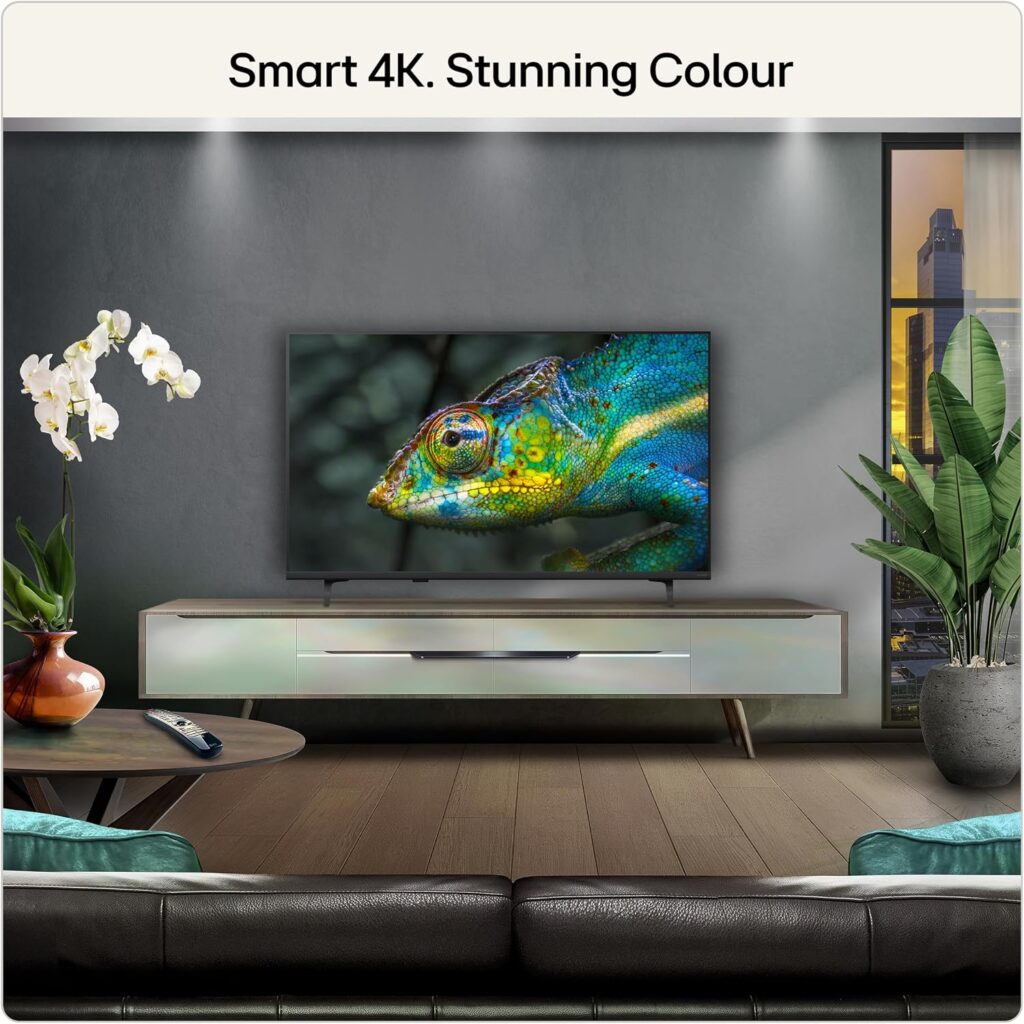
Using a 43-inch 4K monitor or TV as a monitor
A 43-inch 16:9 display is approximately 95cm wide and 53cm high. At 4K, that gives you:
- 3840 × 2160 pixels
- roughly 102 pixels per inch
- enough space for several windows simultaneously
- excellent room for large spreadsheets
- video editing timelines
- Photoshop/Lightroom
- web browsing alongside documents
- coding with multiple windows
- dashboards and monitoring tools
- gaming and video consumption on the same screen
The important point is that 43 inches doesn’t mean you have to make everything enormous. At a sensible viewing distance, you can run the display at 100% or modest scaling and have an enormous amount of usable desktop space.
The problem is viewing distance
A 43-inch screen is very different from sitting 60cm from a 27-inch monitor. I’d think of it roughly like this:
60–70cm: potentially too close for comfortable full-screen desktop use.
80–100cm: much more attractive.
100cm+: excellent if you have the desk depth.
This is one reason a 43-inch monitor works particularly well on a deep desk, a large workstation or wall-mounted behind a desk.
“Don’t automatically buy the cheapest 43-inch 4K TV — first check whether it actually makes a good monitor.”
1. iiyama X4373UHSU-B2
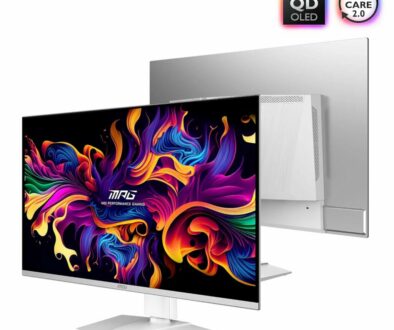
The iiyama X4373UHSU-B2 is more interesting than it first appears The iiyama isn’t simply a huge 60Hz monitor. You get a VA panel, 4000:1 contrast ratio, 450-nit brightness, 3ms response time, 4K at 60Hz and USB-C with 95W power delivery. The immediate benefits of a VA panel includes high native contrast ratio with deep blacks that outperforms IPS and TN panels but no where near OLED.
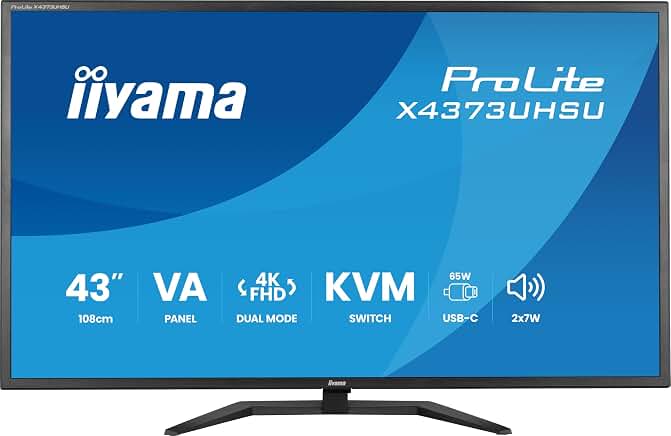
More importantly, it has:
- USB-C
- 95W laptop charging
- DisplayPort
- two HDMI 2.0 inputs
- USB hub
- KVM switch
- Picture-by-Picture
- Picture-in-Picture
- 2 × 7W speakers
- VESA mounting
- flicker-free operation
- blue-light reduction
That makes it a genuine computer monitor rather than simply a TV with an HDMI input. And there’s a clever extra feature. The iiyama supports:
3840 × 2160 at 60Hz
or
1920 × 1080 at 120Hz
in its Dual Mode.
That’s quite useful for gaming or situations where smoother motion matters more than resolution. It also supports FreeSync/G-Sync compatibility.
For productivity, the KVM is particularly useful. This is one of the features that gets overlooked. You could have Mac mini + Windows laptop connected to the same display, keyboard and mouse and switch between them. For someone using a Mac mini as a main computer and a laptop as a secondary machine, this is considerably more useful than having a smart-TV operating system.
2. LG 43QNED70B6C
But the LG QNED70 creates a problem. The cheaper LG 43QNED70B6C isn’t an ordinary budget TV.
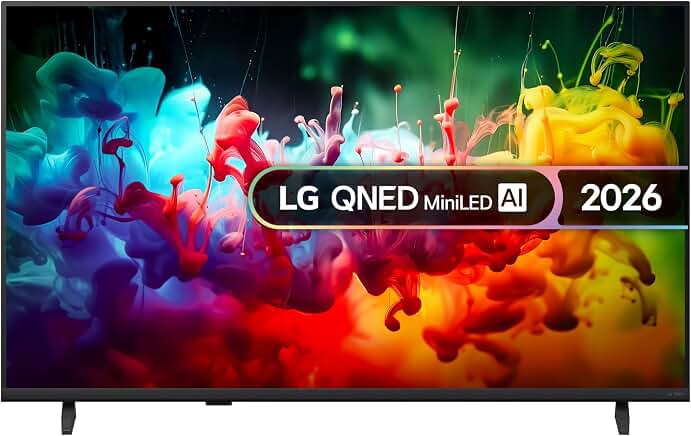
It has:
- 4K
- Mini LED backlighting
- QNED colour technology
- α7 AI Processor 4K Gen9
- HDR10/HLG
- Game Optimiser
- ALLM
- VRR up to 60Hz
- 20W speakers
- webOS
- AirPlay
- Google Cast
- eARC
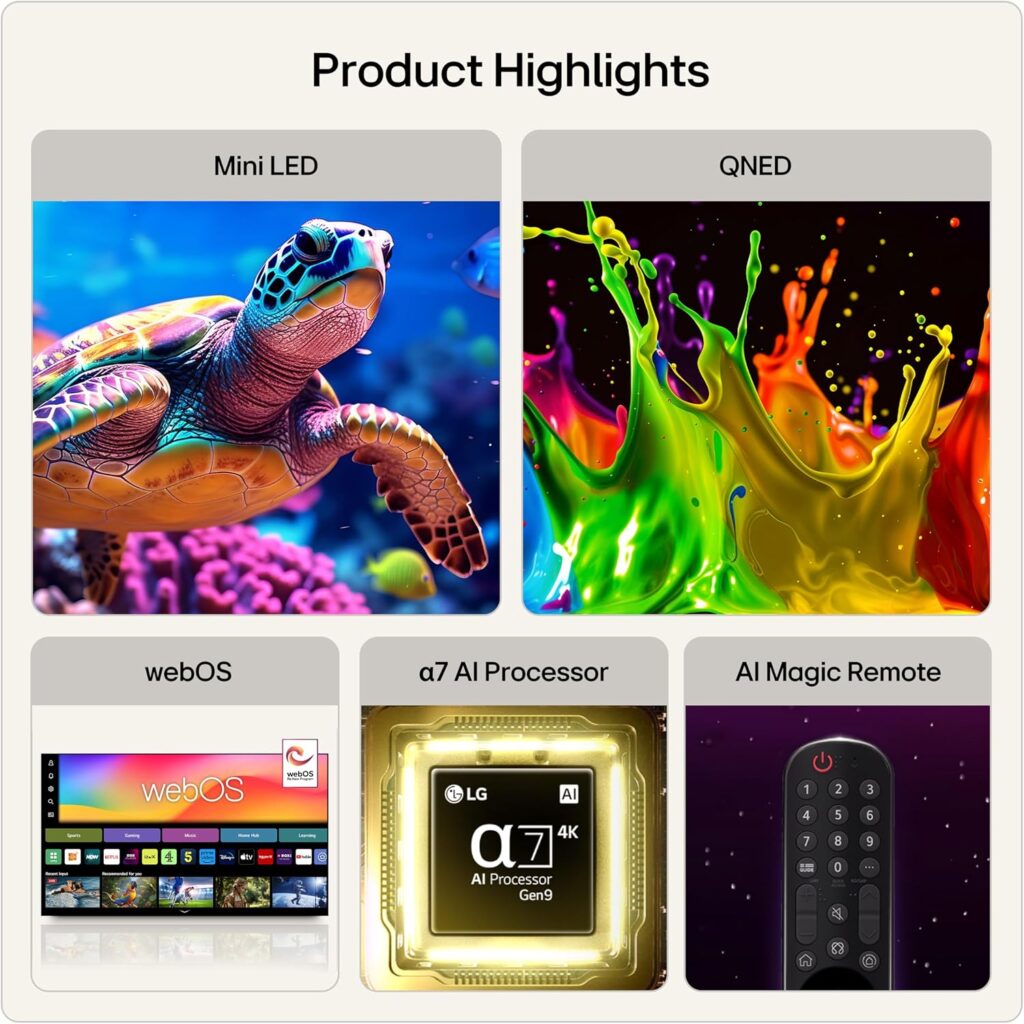
On paper it is almost on par with the more expensive Samsung QE43QN70H. So purely in terms of picture quality and entertainment, I’d expect the LG to be more appealing than the iiyama. That is the central dilemma of this comparison.
3. Samsung QE43QN70H
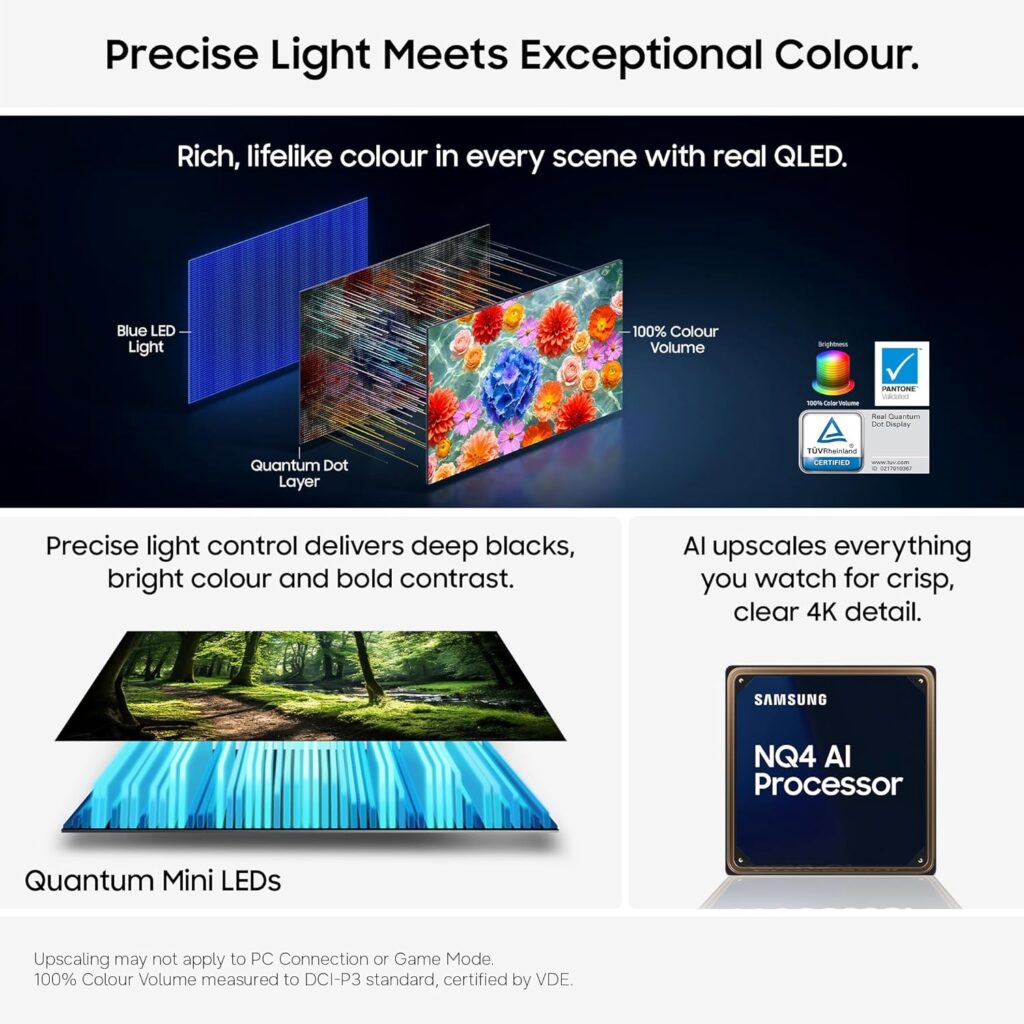
What about the £499.99 Samsung QN70H? The Samsung is the premium option in this group. You can tell from its ultra slim side profile also known as AirSlim design. The 43-inch QE43QN70HAUXXU from Samsung is a 43-inch Neo QLED Mini LED model. The Neo QLED with Quantum Mini LEDs supports 100% colour volume that is PANTONE validated.
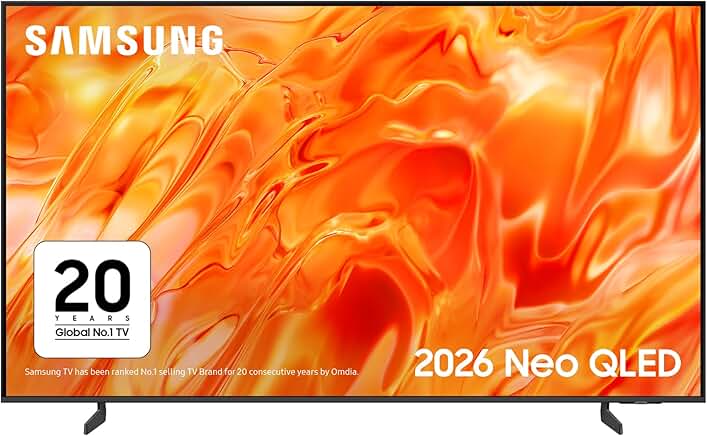
It brings:
- Quantum Mini LED
- localised dimming
- NQ4 AI Processor
- HDR10+
- wide viewing angle
- 4K upscaling
- ALLM
- gaming features
- 4K 60Hz HDMI x 3
- 2 × USB-A ports
- 1 x optical port
- Wi-Fi and Ethernet RJ-45 port
- Bluetooth 5.3
- built-in smart-TV platform
- 20W RAM 2 channel audio output
If your priority is the best picture, particularly movies, HDR and general entertainment, this is the most interesting option. But I’d hesitate to spend an extra money over the iiyama purely for use as a desktop monitor. The Samsung makes more sense if it is genuinely going to be:
50% monitor + 50% TV/entertainment display
rather than a dedicated workstation screen.
What about the cheaper LED TVs?
This is where things get interesting.
4. Hisense 43A7STUK
A Budget QLED TV That Could Double as a Monitor
The Hisense 43A7STUK is another interesting option if you’re considering a TV instead of a dedicated 43-inch monitor. Price wise, it is in direct competition with the iiyama X4373UHSU-B2 and LG 43QNED70B6C.
The A7S is a 43-inch 4K QLED smart TV with large 3840 × 2160 workspace that makes a 43-inch display attractive for desktop use, while also giving you the usual benefits of a television: built-in streaming, speakers, HDR and a remote control.
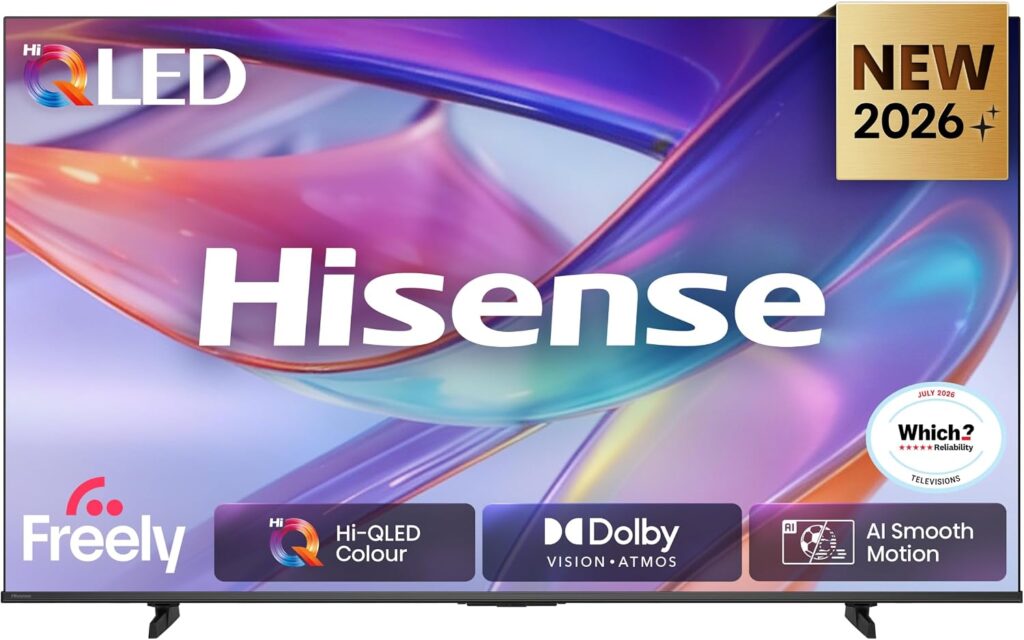
The big attraction is value. At around £350, you are getting a QLED display for considerably less than many dedicated large-format monitors. It therefore makes sense if you want one screen for a mixture of PC work, gaming, watching films and general TV use.
However, it isn’t quite the same proposition as the iiyama. The Hisense is designed primarily as a television, so you don’t get the iiyama’s monitor-focused features such as USB-C with 95W laptop charging, KVM, DisplayPort, USB hub and picture-by-picture functionality. For a desktop workstation, those features can be worth paying extra for.
There is also the usual caveat when turning a TV into a monitor: check the available PC picture mode, 4:4:4 chroma support, input lag and HDMI 4K/60Hz behaviour before making it your main computer display. These factors have a much bigger effect on text clarity and desktop usability than simply knowing that the television is 4K.
At around £350, however, the Hisense A7STUK is an interesting middle ground. It offers a more TV-oriented experience than the iiyama while avoiding the price of the more expensive Samsung Neo QLED. If your priority is a large 4K screen that can switch between computer use and entertainment, it deserves to be on the shortlist.
5. Conventional TVs
The Samsung UE43U8020HKXXU is a conventional LED TV. Samsung specifies 3840 × 2160, three HDMI inputs and 4K 60Hz HDMI capability, alongside VRR and ALLM.
The LG 43NU850B6LA is also a conventional LED model rather than Mini LED. LG lists it as a 4K UHD LED display with a native 60Hz refresh rate, HDR10/HLG and VRR up to 60Hz.
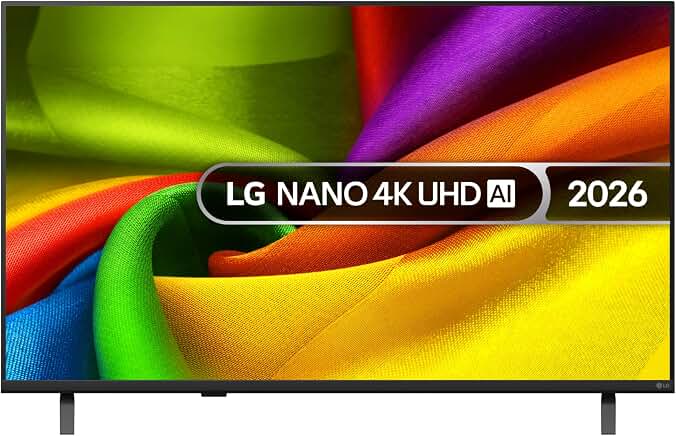
These could actually make very good cheap large screens, provided the TV handles PC signals properly and that’s the crucial qualification.
Why doesn’t every 43-inch TV make a good monitor?
There are several things to check.
1. Chroma 4:4:4
This is probably the most important specification that ordinary TV buyers don’t think about. For computer text, you want the TV to display 4:4:4 chroma correctly. Why? Because computer interfaces contain:
- small text
- thin lines
- spreadsheets
- icons
- coloured text
- sharp horizontal and vertical edges.
TV-oriented chroma subsampling can soften or colour-fringe text. Some TVs solve this by having a PC input mode. For example, testing of LG TVs has shown that setting the HDMI input to PC mode can be important for proper 4:4:4 reproduction. So don’t simply assume that 4K means good computer monitor. It doesn’t.
2. Input lag
This matters much more for gaming than Word, Excel or web browsing. A good TV can have very low input lag when Game Mode is enabled. A poor TV may add considerable processing delay. The good news is that modern TVs increasingly have:
- Game Mode
- ALLM
- VRR
- low-latency processing.
So the gap between TVs and monitors has narrowed considerably.
3. Overscan and scaling
Some TVs are designed to process video rather than display every computer pixel exactly. You want 3840 × 2160 → 3840 × 2160 with no cropping or unnecessary scaling. Look for options such as:
- Just Scan
- Screen Fit
- 1:1
- PC Mode
- Full Pixel
- Fit to Screen
The terminology varies between manufacturers.
4. Image processing
This is another significant difference. TVs often perform:
- sharpening
- noise reduction
- motion processing
- dynamic contrast
- colour enhancement
- AI upscaling
These can make a film look better. They can make a desktop look worse. For desktop use you generally want a relatively clean signal path.
5. The screen may be too glossy
This is one of the less obvious TV disadvantages. A glossy TV can look spectacular for Netflix. But put it opposite a window and you may spend the day looking at reflections. The iiyama has a matte surface, which is much more appropriate for a workstation.
6. TV stands aren’t designed for desks
A TV normally sits on a piece of furniture several feet away. A monitor is designed to sit immediately in front of you. The iiyama is tilt-adjustable and VESA compatible. The TVs are also VESA mountable, so this can be solved, but you may need a monitor arm or wall mount capable of handling a 43-inch display.
7. Ergonomics
This is probably the biggest disadvantage of using a TV. A 43-inch television can be physically large, bright and awkward to position.
- A monitor is normally designed around the assumption: You are going to stare at this thing for eight hours.
- A TV is designed around: You are going to sit several metres away and watch it.
That difference still matters.
So is using a TV as a monitor a good idea?
Absolutely — with the right TV. In fact, I’d go further:
A good 43-inch TV can be a better value than a 43-inch monitor. You get all these for less money:
- excellent picture quality
- speakers
- streaming
- remote control
- HDR
- gaming features
- TV functionality
- often better contrast
- often better HDR
- sometimes better local dimming
But you have to choose carefully.
What Makes the “Right” 43-Inch TV for a Computer?
A 43-inch TV can make a surprisingly good computer monitor, but the specifications matter. For desktop use, I would prioritise the following features:
| Priority | Feature | Why it matters |
| Essential | 4K (3840 × 2160) | At 43 inches, 4K gives you the resolution you need for reasonably sharp text and detailed images. I would avoid a 43-inch Full HD TV for desktop use. |
| Essential | 4K 60Hz over HDMI | 60Hz is perfectly usable for everyday computing, provided the TV can accept a full 4K 60Hz signal from your computer. |
| Essential | Proper PC mode / 4:4:4 support | One of the most important features for a TV being used as a monitor. Proper chroma handling keeps text sharp rather than introducing colour fringing or fuzzy edges. |
| Highly desirable | VRR | Variable Refresh Rate is useful if you plan to connect a gaming PC or console, helping to make gameplay smoother. |
| Highly desirable | ALLM / Game Mode | Automatically switches the TV into a lower-latency mode, making it more responsive for gaming. |
| Highly desirable | VA, QLED, QNED or Mini-LED | These technologies can offer better contrast, deeper blacks and more impressive images than a basic LED TV, although the actual panel and backlight implementation still matter. |
| Desirable | Matte or anti-reflective screen | Reflections can become distracting when a large TV is sitting on a desk, particularly near a window or in a bright room. |
| Desirable | USB-C | USB-C is convenient for connecting modern laptops, although it is much more common on computer monitors than TVs. |
| Very desirable for laptop users | USB-C with power delivery | This is one of the biggest advantages of a monitor such as the iiyama. A single USB-C connection can potentially carry the display signal while also charging your laptop, reducing desktop cable clutter. |
The features I would check first
If you are looking at a 43-inch TV specifically as a computer monitor, 4K resolution, 4K 60Hz input and proper PC/4:4:4 support should be at the top of your list. After that, look at gaming features such as VRR and ALLM, followed by picture quality and screen finish.
For laptop users, USB-C with power delivery can be a major bonus. It is one area where a dedicated monitor such as the iiyama X4373UHSU-B2 can have a practical advantage over a similarly priced TV.
Other 43-inch 4K UHD Monitors
The 43-inch monitor market is relatively small. One particularly relevant alternative is the Philips 439P1/00.
Philips positions it specifically as a 43-inch business monitor with:
- 3840 × 2160
- USB-C docking
- laptop charging
- integrated KVM
- MultiView
- 43-inch IPS display
Another is the LG 43UN700, a 42.5-inch 4K IPS monitor. LG specifies:
- 3840 × 2160
- IPS
- 400 nits
- anti-glare surface
- USB-C
- PBP/PIP
- 43-inch-class 4K workspace.
However, these aren’t necessarily bargains. The LG 43UN700 is currently being listed by UK price comparison sites around the £590+ level, with limited availability.
Samsung’s Smart Monitor M7 is another interesting category The Samsung M70D 43-inch Smart Monitor is arguably the product that sits most naturally between the two worlds. It has:
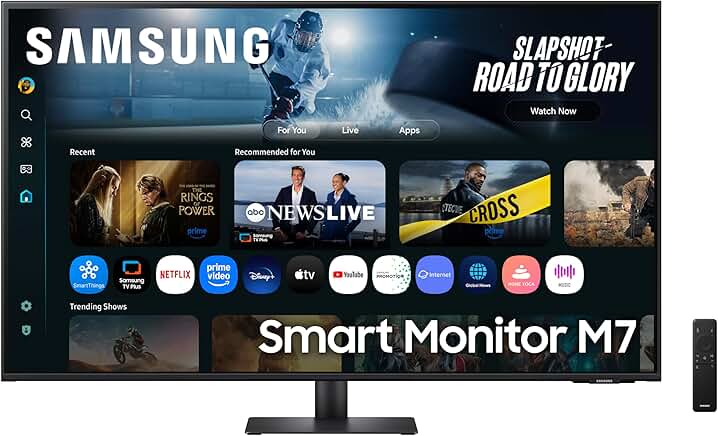
- 43-inch VA
- 4K
- 60Hz
- 5000:1 contrast
- 4ms response
- USB-C
- 65W USB-C charging
- HDMI
- smart-TV apps
- speakers
- remote control.
My price/performance ranking
For the specific Costco models, I’d rank them differently depending on the job.
A. Best dedicated computer monitor: iiyama X4373UHSU-B2
This is my choice if the screen is primarily for a computer. You are paying for things that actually matter at a desk:
USB-C + 95W charging + KVM + USB hub + DisplayPort + matte screen + 4K + VESA + PiP/PbP.
B. Best TV that can double as a monitor: LG 43QNED70B6C
This is arguably the best value overall. You’re spending £30 less than the iiyama and getting Mini LED, HDR, webOS, smart-TV features, 20W audio, VRR and ALLM.
If you don’t need USB-C docking or KVM, I’d seriously consider this.
C. Best picture: Samsung QE43QN70H
The premium choice. The Mini LED system and Samsung’s image processing make this the one I’d choose if the display is going to double as a proper entertainment screen. But I wouldn’t pay the premium over the iiyama just to use it as a monitor.
D. Best of Both Monitor and TV: Samsung Smart Monitor M7
The Samsung Smart Monitor M7 43-inch 4K effectively bridges the gap between a desktop display and a smart TV, offering exceptional versatility for mixed-use spaces, though it comes with specific compromises. While it comes with built in smart platform for streaming apps, it does not come with TV tuner.
As a monitor it excels with USB-C up to 65W PD, support for Samsung DeX, Apple AirPlay 2 and remote PC and that all important 4K workplace. Gaming is also basic as it is limited to a 60Hz refresh rate and lacks advanced HDMI 2.1 bandwidth or variable refresh rate support, making it only average for modern console or PC gaming
E. Best budget approach: A good £250–£300 43-inch 4K TV
This is where TVs become extremely compelling. If the TV has proper PC mode, 4:4:4, 4K/60Hz, low input lag and reasonable text clarity, you can get most of the basic 43-inch monitor experience for substantially less money. The Samsung U8020H, for example, supports 4K 60Hz over HDMI, VRR and ALLM.
The really important question: what are you giving up by buying the cheaper TV?
It’s not simply value. The disadvantages are:
| TV disadvantage | Why it matters |
| PC compatibility | 4:4:4 and PC mode aren’t guaranteed |
| Text clarity | Image processing can make text less crisp |
| Reflections | Glossy screens can be difficult near windows |
| Ergonomics | TV stands and positioning aren’t desk-friendly |
| USB-C | Usually missing |
| Laptop charging | Usually missing |
| KVM | Rare on TVs |
| DisplayPort | Usually absent |
| Monitor controls | Less convenient for switching computers |
| Sleep/wake behaviour | TVs can behave differently from monitors |
| Brightness | TVs can be unnecessarily bright for desktop work |
| Auto dimming | Some TVs alter brightness depending on content |
| Smart interface | Adds complexity you don’t need for a computer |
| Burn-in | Mainly relevant to OLED, not these LED/Mini LED models |
And there’s one more issue that I think is worth mentioning.
TV firmware can change the way the display behaves
A monitor tends to behave like a dumb display. A smart TV has an operating system. That can mean:
- updates
- HDMI behaviour changes
- different picture modes
- automatic energy saving
- screensavers
- input switching
- CEC behaviour
- smart-TV notifications.
None of this necessarily makes a TV bad as a monitor, but it is another layer between your computer and the screen.
Does the TV have the characteristics of a good monitor?
If the answer is yes, a 43-inch TV can be an extremely good large-screen computer display. But if you’re going to spend eight hours a day working at it, the monitor’s connectivity, matte finish, KVM, USB-C charging and predictable PC behaviour can be worth paying for.
For the iiyama specifically it feels much more defensible once you look at what is actually included rather than comparing it purely on panel size and resolution.